Category Televisions

Samsung TV HDMI Port Not Working: Steps to Try

Samsung TV HDMI Port Not Working: Steps to Try

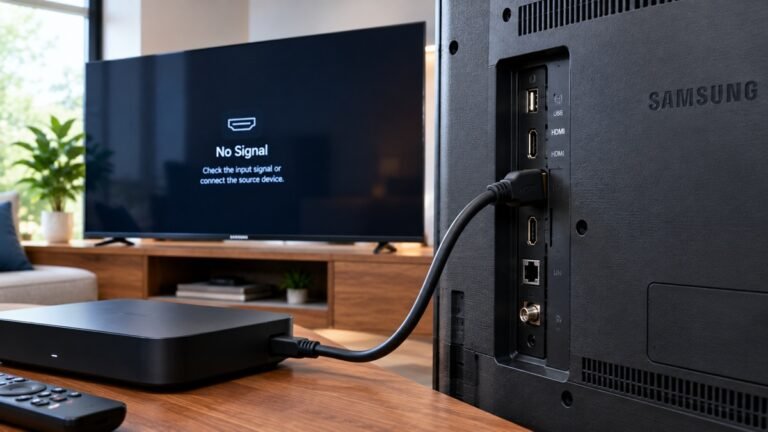
If a device such as an Xbox, a PlayStation 5, a Blu-ray player, a cable box or a Roku doesn't show up on your Samsung TV's screen, Samsung's support page says you could be having an issue with the HDMI ports. This article covers a Samsung TV HDMI port not working, using that page only and Samsung TVs only.

How to Program a Universal Remote to a Roku TV

How to Program a Universal Remote to a Roku TV

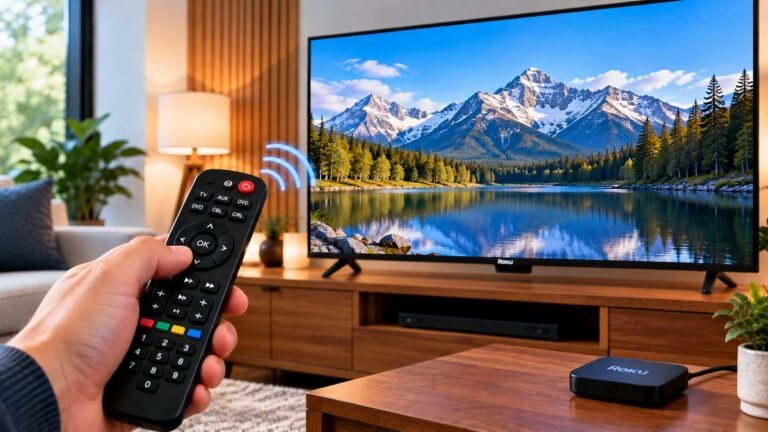
According to Roku's support page, you can often use the same remote that came with your cable or satellite box, or even a universal remote, to control your Roku TV. This article covers how to program a universal remote to a Roku TV using that page only.

How to Connect a Samsung TV to Wi-Fi

How to Connect a Samsung TV to Wi-Fi

Getting a Samsung TV online takes a few menu selections and your Wi-Fi password. Samsung's US support page, "Connect your Samsung TV to the internet", says Wi-Fi is the easiest and most seamless way to do it. This article covers how to connect a Samsung TV to Wi-Fi using that page only.

How to Connect a Bluetooth Speaker to a Samsung TV

How to Connect a Bluetooth Speaker to a Samsung TV

Before you work out how to connect a Bluetooth speaker to a Samsung TV, it helps to know that Samsung generally treats Bluetooth as a last resort. Samsung's US support page, "Pair a Bluetooth speaker to your Samsung TV", gives the menu path and a list of cautions. This article follows that page only.

What is a smart TV definition explained

What Is a Smart TV? Samsung’s Definition Explained

Wondering what actually makes a TV "smart"? This article answers the question of what a smart TV is using Samsung's US buying guide, "What are Smart TVs?" It is one brand's guide, so everything below is attributed to it and none of it comes from independent testing.

How to connect phone to TV steps

How to Connect Phone to TV: Galaxy to Samsung TV Steps

Want what's on your phone showing on the big screen? Here is how to connect phone to TV when you have a Samsung Galaxy phone and a Samsung TV, following two Samsung US support pages: screen mirroring to your Samsung TV and connecting a Samsung TV in the SmartThings app. Samsung gives two routes, Smart View and SmartThings. Other phone brands and wired connections aren't covered here.