
Why Won’t My Samsung TV Turn On? Steps From Samsung’s Support Page
Last updated: October 2026
🕒 3 min read
Disclosure: This article does not contain affiliate or sponsored links. SignalVetted may still reference specific products or brands for informational purposes only.
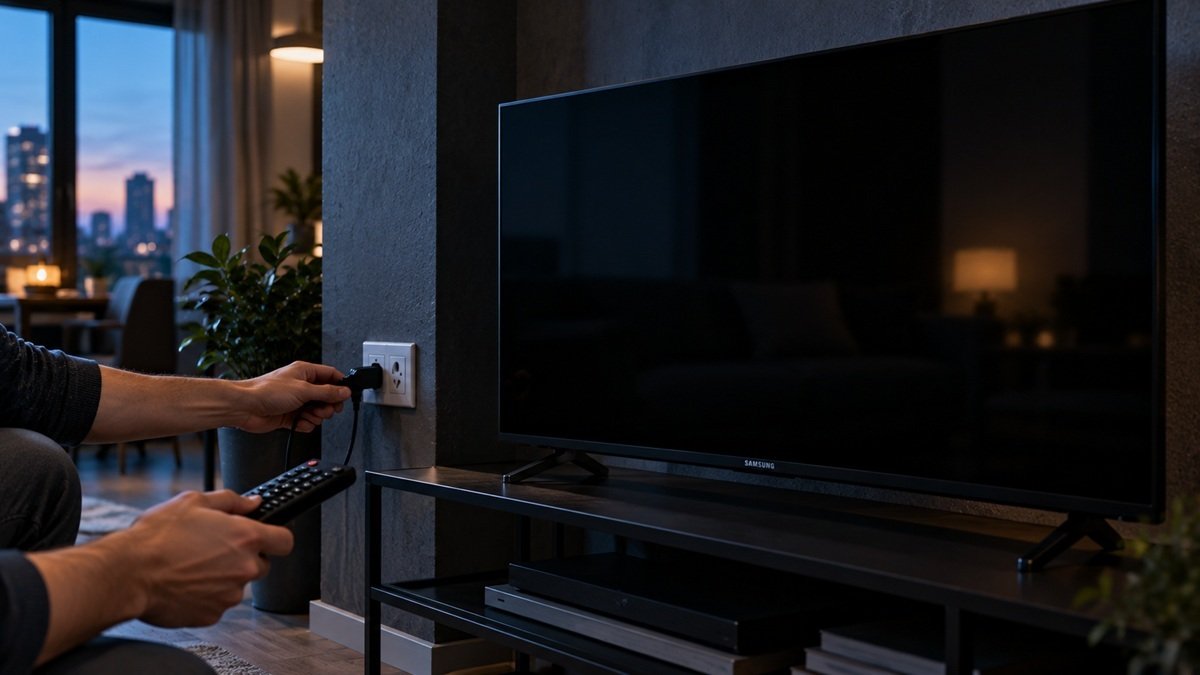
A TV that shows nothing may still be on. If you’re asking why won’t my Samsung TV turn on, Samsung’s US page, “Samsung TV will not turn on”, sorts the problem by one small light. This article follows that page only, and we haven’t tested any TV.
Table of Contents
Why Won’t My Samsung TV Turn On? Start With the Standby Light
Samsung calls the red standby light the key for TVs. It’s a little red light at the edge of the TV, where you aim the remote. It’s normally on when the TV is off (standby) and off when the TV is in use or has no power.
The page splits the problem into three cases: the light is on, off or blinking. It also covers Odyssey Ark screens and monitors; this article covers TVs only.
If the Standby Light Is On
Samsung says a lit light is normal when the TV is off and plugged in.
- Press the Power button on the remote. If the TV stays off but the light is lit, Samsung says the remote could be the issue.
- Press the Power button on the TV itself. Its location varies by model (see your user manual). If the TV turns on this way, Samsung says the remote has a problem and refers you to its remote guide.
- If neither the remote nor the button works, Samsung says the TV needs service (Support Center).
If the Standby Light Is Off
Samsung says that with the light off, the TV either has no power, or it’s on and the screen is just black.
- Without the remote, press any button on the TV except Power. If anything appears on screen, the TV is on, and Samsung sends you to its no-picture or black-screen guide. If the buttons work but the remote doesn’t, check the remote. If the TV is on but the screen stays black, see our guide on why a Samsung TV screen is black.
- Unplug the TV for 30 seconds.
- Plug it into an outlet you know works. If the light comes on and doesn’t flash, the TV is receiving power and will probably turn on. Samsung says that points to the original outlet, or the surge protector if you used one. If the TV still won’t turn on, repeat the steps in the first section.
- If the light never comes on with a working outlet, Samsung says to contact Samsung Support for service.
If the Standby Light Is Blinking
- Unplug the TV for 30 seconds.
- Plug it into an outlet you know works, and don’t use a surge protector. Samsung says they may eventually wear out and stop providing the voltage a TV needs. If the light comes on steadily, the TV will probably turn on; if not, repeat the steps in the first section.
- If the light keeps blinking, Samsung says something is wrong with the TV and to request service.
Frequently Asked Questions
Why won’t my Samsung TV turn on with the remote?
Samsung says to press the Power button on the TV itself. If the TV turns on that way, the remote has a problem.
Should I use a surge protector when testing the outlet?
For a blinking light, Samsung says not to, because surge protectors may eventually wear out.
When does Samsung say to request service?
Samsung says to request service if the light is lit but neither the remote nor the TV button turns the TV on, if the light never comes on with a working outlet, or if it is still blinking after the steps.

Nridi
Editor, SignalVetted
This article does not report independent product testing.
✅ Based on the sources named on this page.