
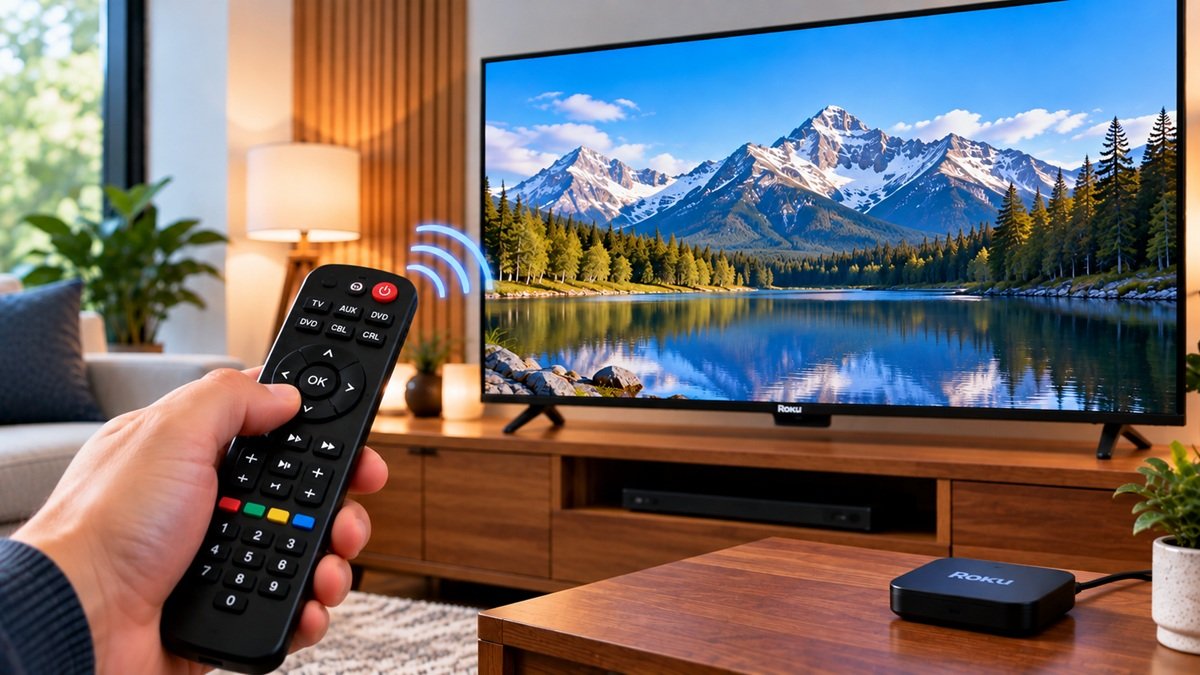
How to Program a Universal Remote to a Roku TV
Last updated: October 2026
🕒 2 min read
Disclosure: This article does not contain affiliate or sponsored links. SignalVetted may still reference specific products or brands for informational purposes only.
According to Roku’s support page, you can often use the same remote that came with your cable or satellite box, or even a universal remote, to control your Roku TV. This article covers how to program a universal remote to a Roku TV using that page only.
Table of Contents
What a Remote Can Control on a Roku TV
Roku notes that not every remote supports all TV controls, and it describes two levels:
- Basic control: Power, Volume and Input.
- Expanded control: the same, plus Home, Arrows, Back, Play, Pause and Fast-Forward.
What You Need Before You Program a Universal Remote to a Roku TV
Roku lists your universal or cable/satellite remote, a Roku TV that is turned on, and the remote code for that remote. Roku gives those codes in charts on its page, by provider and by universal remote brand. This article doesn’t reproduce them.
Steps to Program the Remote
- Find your service provider or remote brand in Roku’s chart and note the code listed.
- On the remote, press and hold the Setup button until the red light stays on. If there’s no Setup button, check the remote’s instructions, as sometimes you hold TV + Power.
- Enter the 4- or 5-digit code. The red light should blink or turn off.
- Test the remote. Press Power to see whether the TV turns on or off, then press Volume Up and Down to see whether the sound changes.
- If it works, you’re done. If not, try the next code on the list and repeat. Sometimes it takes a few tries.
If Only Some Buttons Work
Roku says that’s normal: it means your remote only supports basic control. You’ll need a different remote for full navigation.
What Roku’s Page Doesn’t Cover Here
Roku’s page shows a last-updated date of 6/24/2026. This article follows only the programming steps and leaves out the code charts and the page’s other sections.
Frequently Asked Questions
How to program a universal remote to a Roku TV?
Find your code in Roku’s chart, hold Setup until the red light stays on, enter the code, then test Power and Volume. If it doesn’t work, try the next code.
What is the difference between basic and expanded control?
Per Roku, basic control covers Power, Volume and Input. Expanded control also covers Home, Arrows, Back, Play, Pause and Fast-Forward.
Why do only some buttons work?
Roku says that’s normal. It means your remote only supports basic control, and you’ll need a different remote for full navigation.

Nridi
Editor, SignalVetted
This article does not report independent product testing.
✅ Based on the sources named on this page.