Category Televisions

why is YouTube TV not working device steps

Why Is YouTube TV Not Working? Device Steps to Try

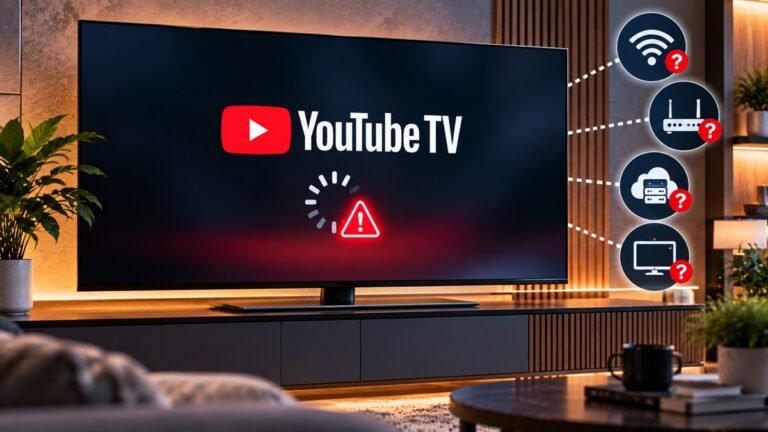
If you're asking why is YouTube TV not working on your television, Google's YouTube TV Help page on supported devices is a sensible first stop, because it pairs a device list with troubleshooting notes for specific hardware. This guide follows that page: which TVs and players it lists, what it says about Roku and Apple TV problems, and what it says about local stations and multiview. We haven't tested any of it. This guide covers only device-related causes; it does not explain every reason YouTube TV can fail.
What Is Google TV? Features, Brands and Trade-Offs

What Is Google TV? Features, Brands and Trade-Offs

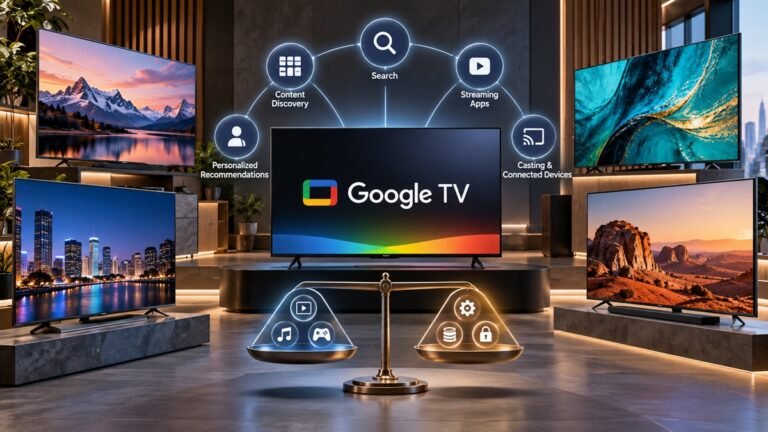
What is Google TV, and does it change anything for the person holding the remote? This guide follows RTINGS' overview of Google TV. It covers the short answer, the brands that use it, the features RTINGS highlights and the trade-offs it names. We don't pick products here, and the facts below are attributed to RTINGS rather than to testing of our own.

OLED TV settings for movies picture mode menu

OLED TV Settings for Movies: What RTINGS, Samsung, LG Say

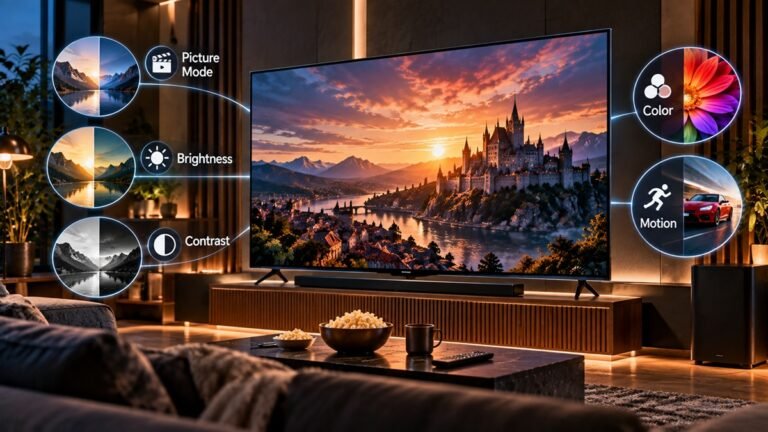
You press play on a film and the picture looks too bright, too dark, or just slightly off. Sorting out the right OLED TV settings for movies comes down to a few menu decisions, and three sources cover them: RTINGS' guide to calibrating a TV (updated April 2026), Samsung's picture-settings support page and LG's picture-settings support page.

How to fix Samsung TV sound troubleshooting steps

How to Fix Samsung TV Sound: Very Low or No Audio

A TV that goes quiet or keeps dropping its sound can leave you unsure where to start. This guide to how to fix Samsung TV sound follows Samsung's US support page on very low or no audio, which gives seven steps. It covers TVs only, although Samsung's page also names the Odyssey Ark. We haven't tested these steps; they are Samsung's, in Samsung's order.

LG OLED77B6GUA vs LG OLED77C6H 77-inch OLED TVs

LG OLED77B6GUA vs LG OLED77C6H: Which 77-Inch OLED Fits You?

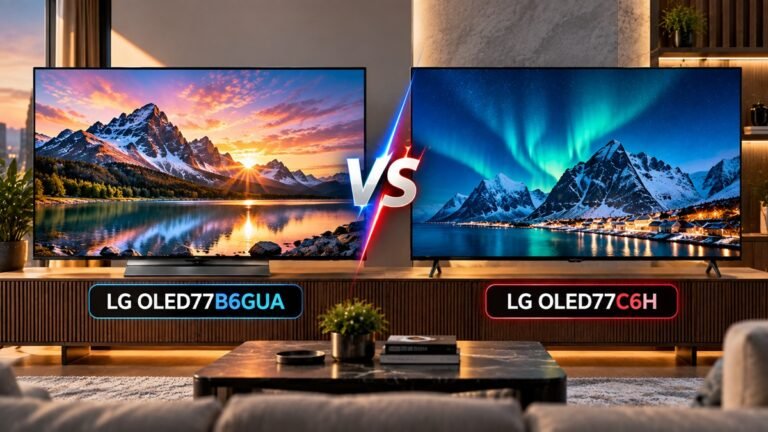
In our reading of RTINGS' reviews, the clearest difference between these two 77-inch LG OLEDs is the panel. RTINGS says the OLED77C6H uses a tandem OLED panel and the OLED77B6GUA uses a WOLED panel that LG calls "OLED SE". The rest of this page covers what the reviews say about color, brightness and gaming features, and where each TV falls short.

What Is 4K UHD? Resolution, Names and Viewing Distance

What Is 4K UHD? Resolution, Names and Viewing Distance

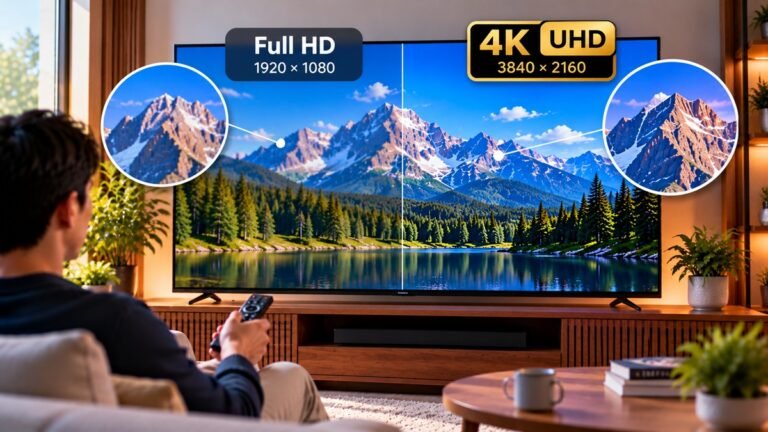
What is 4K UHD, and does it matter for the TV you watch? This guide follows RTINGS' TV resolution page (page updated Mar 19, 2026) and covers TVs only, although RTINGS notes that every display has a resolution. RTINGS says resolution is the number of pixels a display can show at once, and that a higher resolution shows more fine detail, assuming you're close enough to see the difference. We haven't tested any TVs for this page; the claims below are RTINGS', and one calculation is labelled as ours.

do TVs emit blue light RTINGS measurements

Do TVs Emit Blue Light? What RTINGS Found

If you've read about blue light from phones and tablets, you may wonder whether your TV gives off the same thing. So, do TVs emit blue light? According to RTINGS, yes: however a TV makes its light, it still produces blue light. How much of it matters, and for what, depends on the question: RTINGS says studies are split on eyes, with more consensus on sleep.

Glossy vs Matte TV Screen: What RTINGS Found

Glossy vs Matte TV Screen: What RTINGS Found

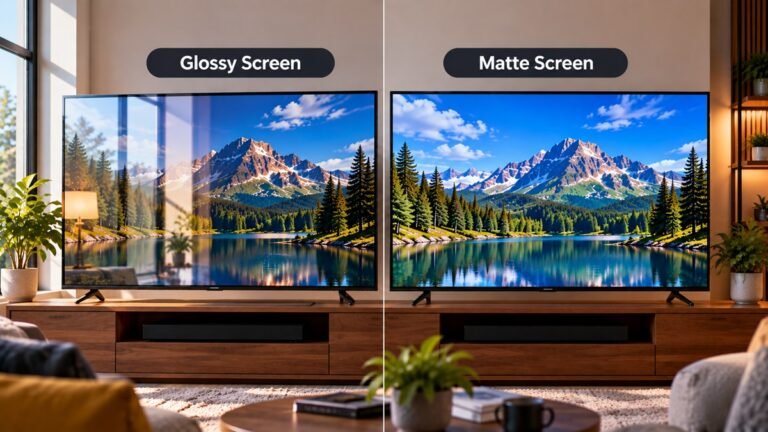
A common assumption is that matte screens handle reflections better than glossy ones. According to RTINGS's page (Updated Mar 26, 2025), the glossy vs matte TV screen picture is less clear-cut. The top-performing glossy TVs came close to a matte TV on reflection intensity, while matte TVs lifted black levels more.

What Is Android TV? What Google's Help Page Says

What Is Android TV? What Google’s Help Page Says

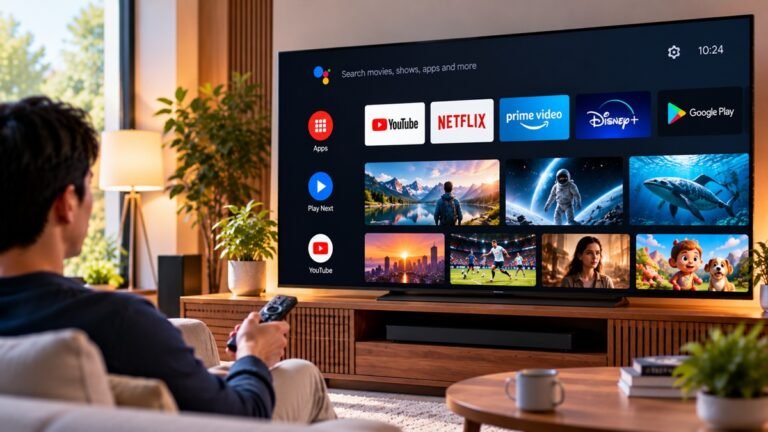
To answer what is Android TV, this article relies on one source, Google's Android TV Help page, and Google's page gives no definition of Android TV, so we add none.
What the page does describe is what Android TV shows and does: its home screen and tabs, where its content comes from, what shapes the recommendations you see, and how ads, the Google Assistant, a Watchlist, home screen rows and apps fit in.

How to Boost TV Antenna Signal: What the FCC Says

How to Boost TV Antenna Signal: What the FCC Says

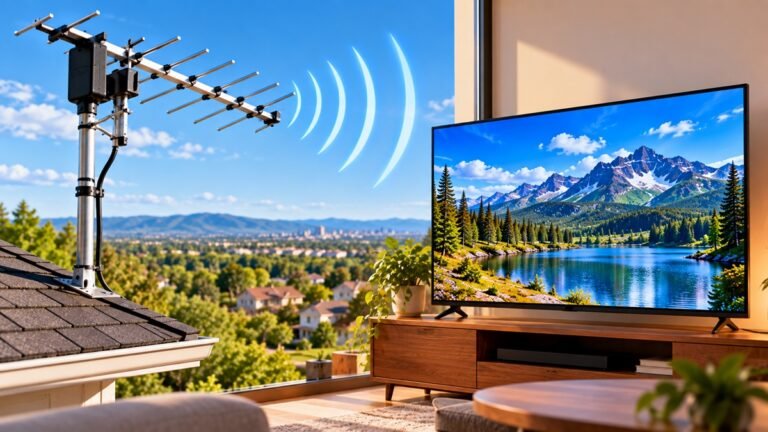
If you are wondering how to boost TV antenna signal, the FCC guide this article relies on does not use that wording. It talks about improving reception, so that is the wording we use below, and the guide does not say that any device increases a signal.
The FCC says its guide gives information on TV antennas and tips for good quality reception of digital broadcasts. We did not run any tests or install an antenna ourselves, so the facts below are what the FCC says.