
How to Connect a Samsung TV to Wi-Fi
Last updated: October 2026
🕒 2 min read
Disclosure: This article does not contain affiliate or sponsored links. SignalVetted may still reference specific products or brands for informational purposes only.
Getting a Samsung TV online takes a few menu selections and your Wi-Fi password. Samsung’s US support page, “Connect your Samsung TV to the internet”, says Wi-Fi is the easiest and most seamless way to do it. This article covers how to connect a Samsung TV to Wi-Fi using that page only.
Table of Contents
What You Need Before You Connect a Samsung TV to Wi-Fi
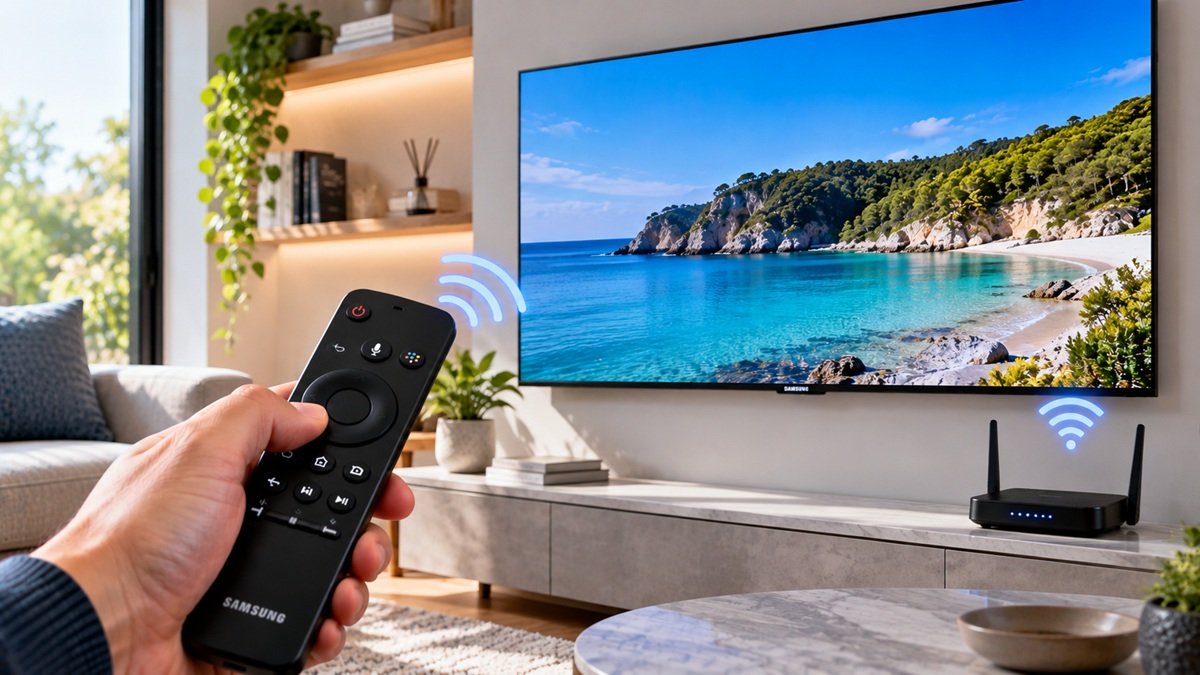
Samsung says to have your wireless network name (SSID) and password ready before you start. The steps below also use the TV’s remote, specifically its directional pad.
Samsung adds that being online, along with signing into a Samsung Account, gives you access to TV shows and movies, apps and other TV functions. A Samsung Account is required for network-based smart services, including streaming apps.
Steps to Connect a Samsung TV to Wi-Fi
- Use the directional pad on the remote to select Settings, then General, then Network.
- Select Open Network Settings, then select the name of your Wi-Fi network.
- Enter the network password, select Done, and then select OK.
A Note for 2018 Models
Samsung says the 2018 models NU7100/NU710D, NU7200 and NU7300/NU730D support only 2.4 GHz networks. They don’t detect 5 GHz networks, which Samsung says will cause your Wi-Fi network not to appear in the list.
What Samsung’s Page Also Covers
The same page also explains how to connect with an Ethernet cable and how to find the TV’s MAC address. This article leaves both out.
What Samsung’s Page Doesn’t Say
The page doesn’t show a date, and it doesn’t list which TV years or models the steps apply to, apart from the 2018 note above.
Frequently Asked Questions
How to connect a Samsung TV to Wi-Fi?
According to Samsung’s page, go to Settings, General and Network, select Open Network Settings, choose your Wi-Fi network, enter the password, then select Done and OK.
What do I need before connecting?
Samsung says to have your network name (SSID) and password ready. The steps use the directional pad on the TV’s remote.
Can a Samsung TV connect without Wi-Fi?
Samsung’s page also describes a wired Ethernet connection, but this article doesn’t cover those steps.

Nridi
Editor, SignalVetted
This article does not report independent product testing.
✅ Based on the sources named on this page.