How to Split Screen on a Samsung TV (Multi View)
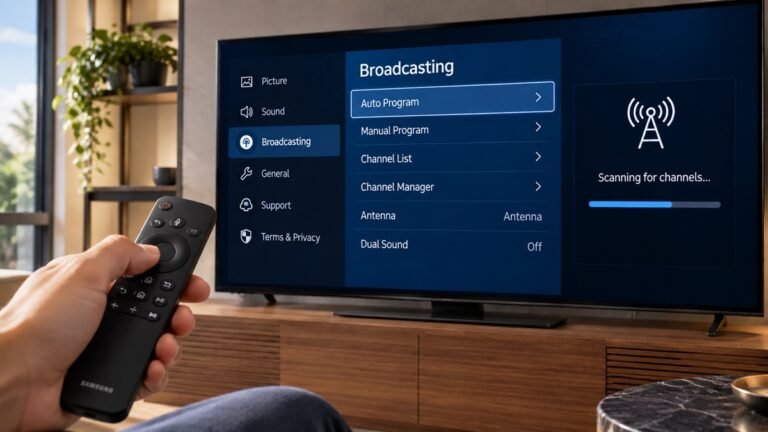
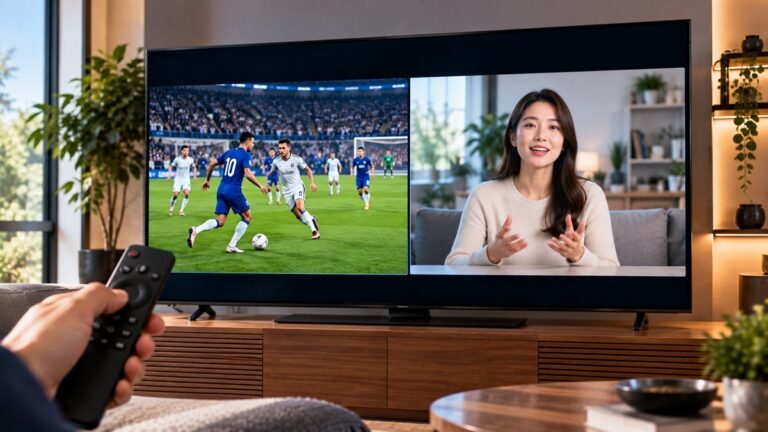
Want one thing on the main screen and something smaller beside it? Samsung's US support page calls this feature Multi View. To split screen on a Samsung TV with it, you open it with the Home button on the remote, choose what shows on each side, then set the size, the corner and the sound. This guide follows Samsung's page, step by step.