Category Televisions

Best OLED TVs for gaming compared for console and PC

Best OLED TVs for Gaming (2026): Console and PC Picks

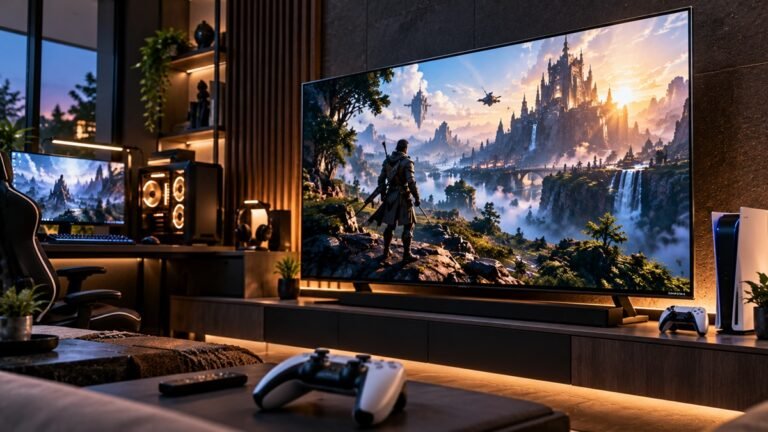
RTINGS rates all three of these OLEDs well in a dark room, so picking one for games comes down to other things: how high the refresh rate goes, which variable refresh rate formats it handles, how many full-bandwidth HDMI 2.1 ports it has, and whether it supports everything your console or PC can send it. This guide to the best OLED TVs for gaming compares three 2026 models on exactly those points, using the results RTINGS published from its own testing. We didn't test these TVs ourselves.
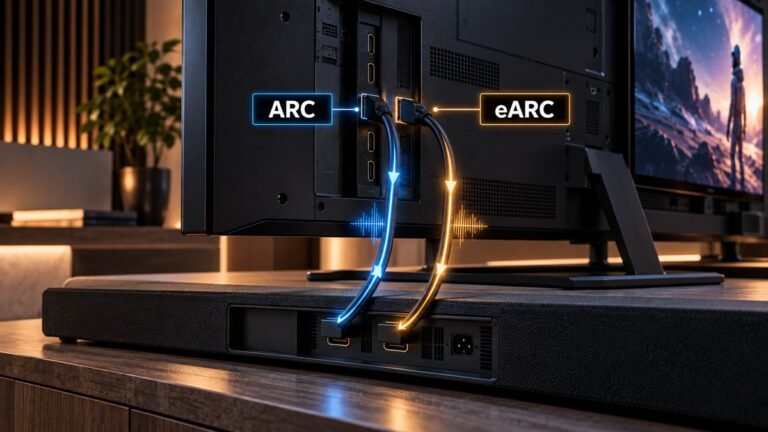
What is HDMI eARC and how it differs from ARC

What Is HDMI eARC? How It Differs From ARC

One of the HDMI ports on your TV says "eARC", and the soundbar or receiver you're eyeing says the same. So what is HDMI eARC, and does it matter which port you use? In short, it's the connection that sends sound from your TV back out to an audio system, in an upgraded form that can carry higher-bandwidth audio than the older ARC. This page explains both, using what the official HDMI website, HDMI.org, says about them.

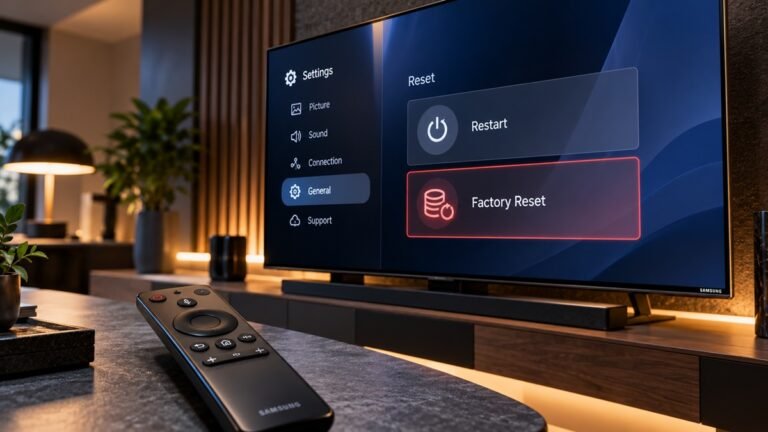
How to reset a Samsung TV reset options compared

How to Reset a Samsung TV: Restart, Factory Reset and More

Apps freezing, a picture that suddenly looks wrong, a sound setting you can't find your way back from: when a Samsung TV misbehaves, "reset it" is the usual advice. The catch is that Samsung offers several different resets, and they range from a restart that erases no data to resets that delete Smart Hub apps and account information. This guide explains how to reset a Samsung TV one level at a time, what each option clears, and where to find it, based on Samsung's own support pages.

How to dispose of an old TV by recycling or donating

How to Dispose of an Old TV (Recycling, Donation, Data)

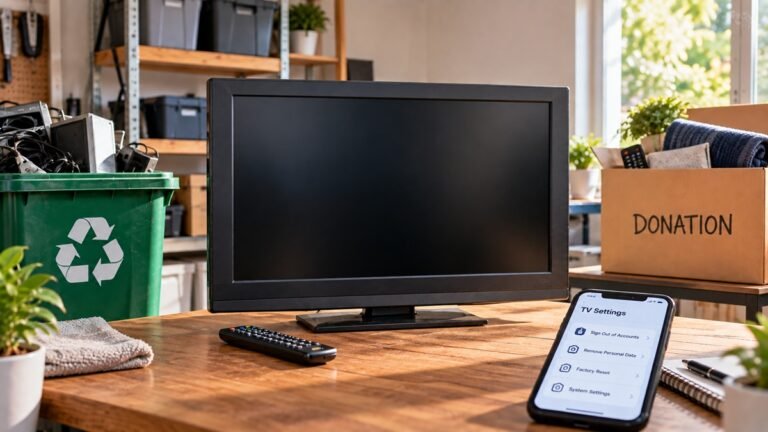
The new TV is on the wall and the old one is leaning against it, waiting. Before it goes anywhere, it's worth knowing how to dispose of an old TV properly, because what's right depends on where you live and what kind of TV it is. This guide follows the U.S. Environmental Protection Agency's own guidance, so it applies to readers in the United States.

What size TV for living room based on seating distance

What Size TV for Living Room? Start With Seating Distance

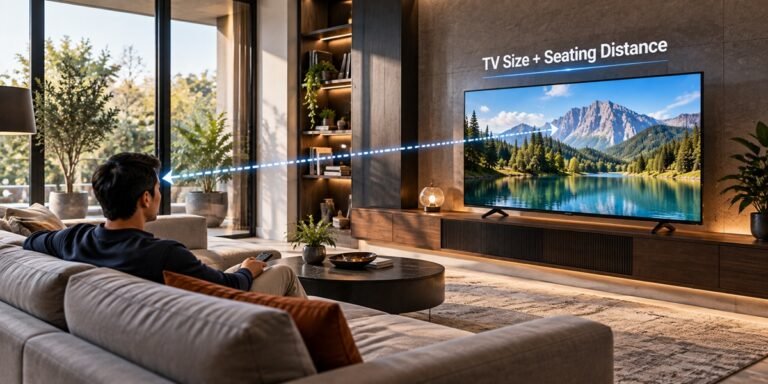
Your couch probably isn't moving, and the wall it faces is where the new TV will go. So before comparing models, it helps to settle the size. If you're wondering what size TV for living room viewing makes sense, the most useful number isn't the size of the room. It's how far you sit from the screen. This guide walks through that distance-first method using RTINGS' size-to-distance research, and compares it with how Samsung frames the same choice.

What is VRR on a TV variable refresh rate explained

What Is VRR on a TV? Variable Refresh Rate Explained

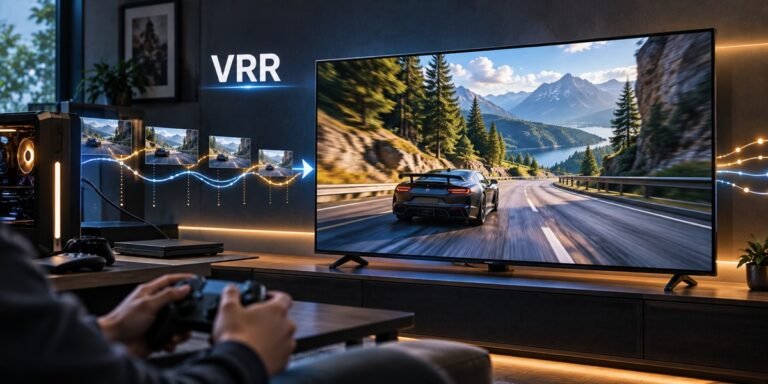
A horizontal tear across the screen when you swing the camera in a game, or a brief hitch when the action gets busy: those are the problems VRR was built for. So what is VRR on a TV? It stands for variable refresh rate, a feature that lets the TV wait for each new frame from your console or PC instead of refreshing on a fixed beat. Below we explain how that works, when it matters, and what VRR support looked like on two 2026 TVs that RTINGS tested.

How many watts does a TV use ENERGY STAR figures

How Many Watts Does a TV Use? What ENERGY STAR Records Show

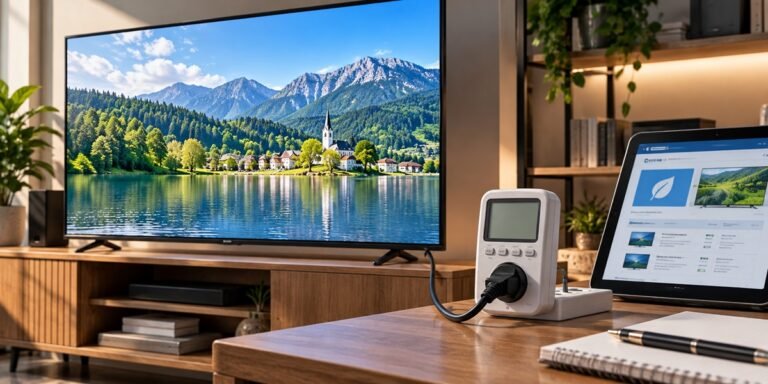
Your electricity bill doesn't list the TV on its own line, so it's fair to wonder how much of it the screen accounts for. How many watts does a TV use? It depends on the model, and the figures we use here are the ones reported to ENERGY STAR, the EPA's efficiency program, when a TV is certified. Below are the certified figures for three 65-inch TVs, what those figures do and don't mean, and how to turn watts into your own cost estimate.

Can I use a TV as a computer monitor setup checklist

Can I Use a TV as a Computer Monitor? What to Check First

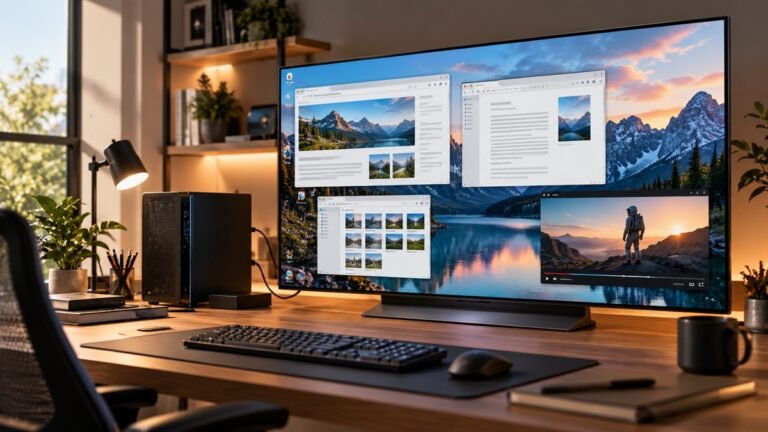
Maybe there's a spare TV in the house, or you want something far bigger than a desk monitor for games and movies. So, can I use a TV as a computer monitor? Yes, it works, but how well it works depends mostly on how close you'll sit and what you'll do on it. This guide walks through the factors RTINGS compares between the two, then gives you a checklist to run before you plug your PC in.

What is a good refresh rate for a TV 60Hz vs 120Hz

What Is a Good Refresh Rate for a TV? 60Hz vs 120Hz

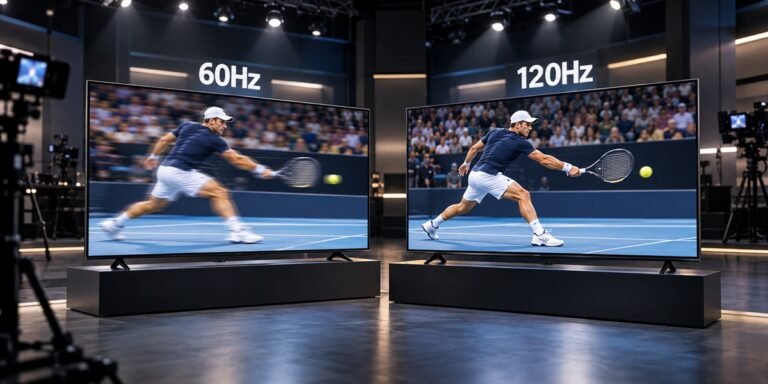
Two TVs look almost identical on the shelf, but one spec sheet says 60Hz and the other says 120Hz, and the 120Hz model usually sits higher in the lineup. So what is a good refresh rate for a TV, and is the upgrade worth it for the way you watch? The short version, according to RTINGS, is that most people are better off with 120Hz. The longer version depends on whether you mostly watch films, sports or play games, and we walk through each below.

LG OLED HDR banding on the LG C6 explained

LG OLED HDR Banding: What RTINGS Found on the LG C6

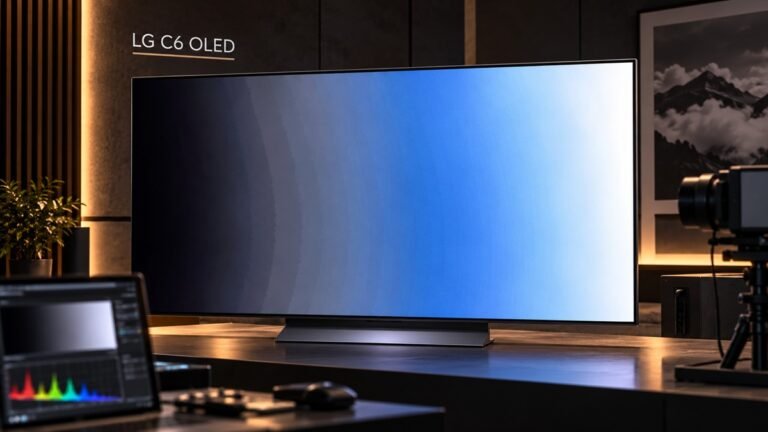
Stripes across a sunset, or faint steps where a dark HDR scene should fade smoothly, are what most people mean by banding. Everything here on LG OLED HDR banding comes from a single review of a single set: RTINGS' look at the LG C6 OLED 2026, reviewed April 20, 2026, with its test bench brought up to date on September 18, 2026.
We didn't test a C6 ourselves. RTINGS tested the 65-inch model and says its results also hold for the 55-inch.