
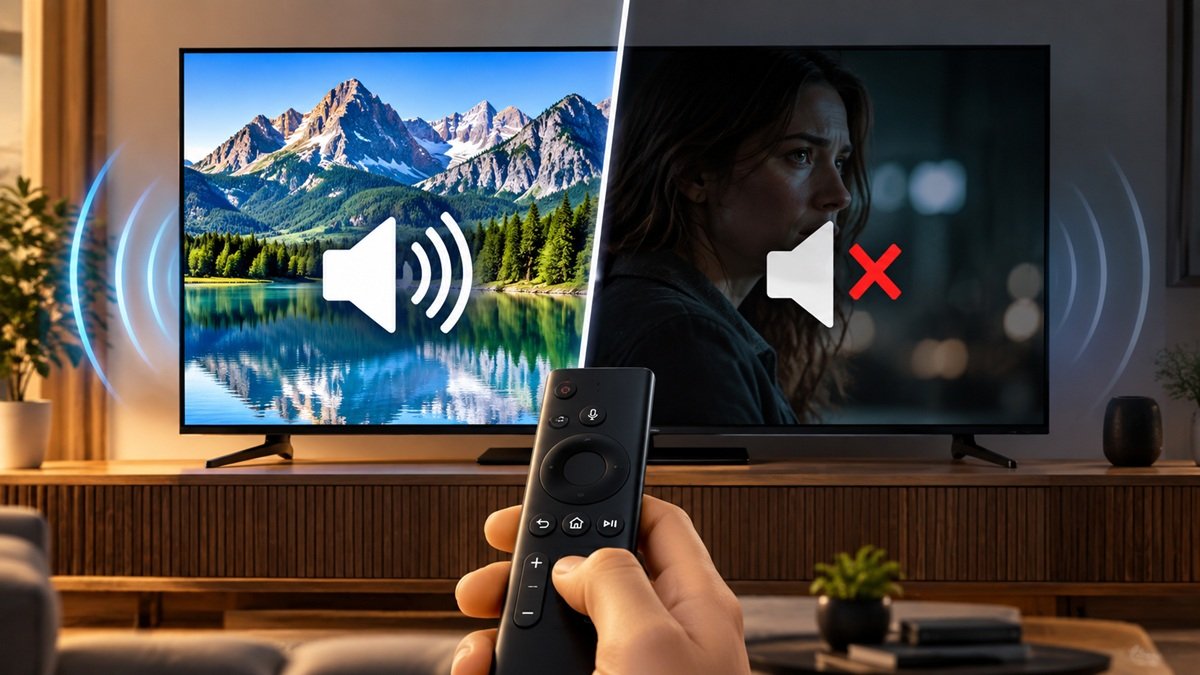
How to Fix Samsung TV Sound: Very Low or No Audio
Last updated: October 2026
🕒 4 min read
Disclosure: This article does not contain affiliate or sponsored links. SignalVetted may still reference specific products or brands for informational purposes only.
A TV that goes quiet or keeps dropping its sound can leave you unsure where to start. This guide to how to fix Samsung TV sound follows Samsung’s US support page on very low or no audio, which gives seven steps. It covers TVs only, although Samsung’s page also names the Odyssey Ark. We haven’t tested these steps; they are Samsung’s, in Samsung’s order.
Table of Contents
How to Fix Samsung TV Sound: What Samsung’s Page Covers
Samsung describes low or missing audio as a common problem that usually has a simple solution. We’ve grouped the seven steps for reading. Steps 1–3 start with the TV: a built-in Sound Test, a software update check (for the TV and the external device) and a cold boot. Steps 4–7 cover the cable, port and device: an HDMI cable test, reconnecting the cable, trying a different device and requesting service. Samsung’s steps 5 to 7 refer to audio dropout from an external device.
The page doesn’t cover speaker or output selection, volume, distorted sound, audio delay or soundbar setup, so this guide doesn’t either. For soundbar setup, see our guide on how to connect a soundbar to a TV.
For pairing a Bluetooth speaker with a Samsung TV, see our guide on how to connect a Bluetooth speaker to a Samsung TV.
Steps 1–3: Samsung TV Sound Checks and a Cold Boot
Run the Sound Test First
Samsung’s first step is the Sound Test. Go to All Settings, then Support, then Device Care, then Self Diagnosis, then Sound Test, and follow the on-screen instructions. If the issue occurs during the test, Samsung says to request service.
Check for Software Updates
Samsung says to check for updates on the TV (All Settings, then Support, then Software Update) and on the external device. It adds that this is typically only needed when the issue started with the previous software update. For the external device, Samsung says to consult its user manual.
Try a Cold Boot
Samsung says a cold boot drains the charge and resets the main board. With the TV on, press and hold the Power button on the remote until the TV turns off and back on. Then check whether the audio is back to normal. If it isn’t, Samsung says to go to the next step. For the other reset options on a Samsung TV, see our guide on how to reset a Samsung TV.
Steps 4–7: Cable, Port and Device Checks
Test the HDMI Cable
Some TVs have an HDMI cable test. Samsung says some models only have it after a software update and older models don’t have it. If your model lacks the test, or the device isn’t connected by HDMI, skip to the next step.
To run it, keep the TV on the HDMI source of the cable you want to check. Go to All Settings, then Support, then Device Care, then Self Diagnosis, then Signal Information, then HDMI Cable Test, and follow the on-screen instructions.
Two limits apply. The test is designed for HDMI cords under 2 meters and may not give accurate results on longer ones. It is also designed only for devices that include a video signal, which excludes sound bars and home theater systems. If the test says the cable is bad, Samsung says to replace it and that service is not required.
Reconnect the Cable and Try Another Port
Samsung says loose connections can cause dropouts, so reconnect the cable at both ends and check whether the dropout continues. If it does, try a new cable.
If your TV has another port available, connect to that instead. If the dropout stops, move the cable back to the original port to confirm whether the dropout returns. Samsung says that if the dropout happens on one port but not another, you should request service. It also notes that in rare cases a defective HDMI port causing audio dropout will typically cause video dropout too.
Try a Different Device
Using the same cables, connect a different device. If the dropout stops, Samsung says the original external device is the cause and to contact its maker.
For a set-top box, Samsung says to contact your cable or satellite provider instead of the manufacturer. It says set-top boxes can sometimes drop or lose signals when the signal is weak, and that the provider may need to boost the signal, or remove older cable wiring and splitters and replace them with ones that have less signal loss.
Request Service
If the audio keeps dropping out even with a different device connected, Samsung’s last step is to request service through its Support Center.
Which Step Applies to You
This section re-sorts Samsung’s own branch points by situation. It adds no new causes or steps.
- The sound problem shows up during the Sound Test: Samsung says to request service.
- Your model has no HDMI Cable Test, or the device isn’t on HDMI: skip that step.
- A sound bar or home theater system is connected: Samsung says the HDMI Cable Test isn’t designed for these.
- The audio drops out from a set-top box: Samsung points you to your cable or satellite provider.
- Dropout on one port but not another: Samsung says to request service.
- No dropout with a different device: Samsung says the original device is the cause, so contact its maker.
Frequently Asked Questions
How do you fix Samsung TV sound that is very low or missing?
Samsung’s page starts with the Sound Test (All Settings, Support, Device Care, Self Diagnosis, Sound Test). If the problem appears during the test, Samsung says to request service. If not, its next steps are a software update check (which Samsung says is typically only needed when the issue started with the previous software update) and a cold boot.
Does every Samsung TV have the HDMI Cable Test?
No. Samsung says some TVs have it, some models only have it after a software update, and older models don’t have it. It may not give accurate results on cords longer than 2 meters.
What does Samsung say a cold boot does?
Samsung says it drains the charge and resets the main board. You press and hold the Power button on the remote while the TV is on until it turns off and back on.

Nridi
Editor, SignalVetted
This article does not report independent product testing.
✅ Based on Samsung’s US support page on very low or no audio.