
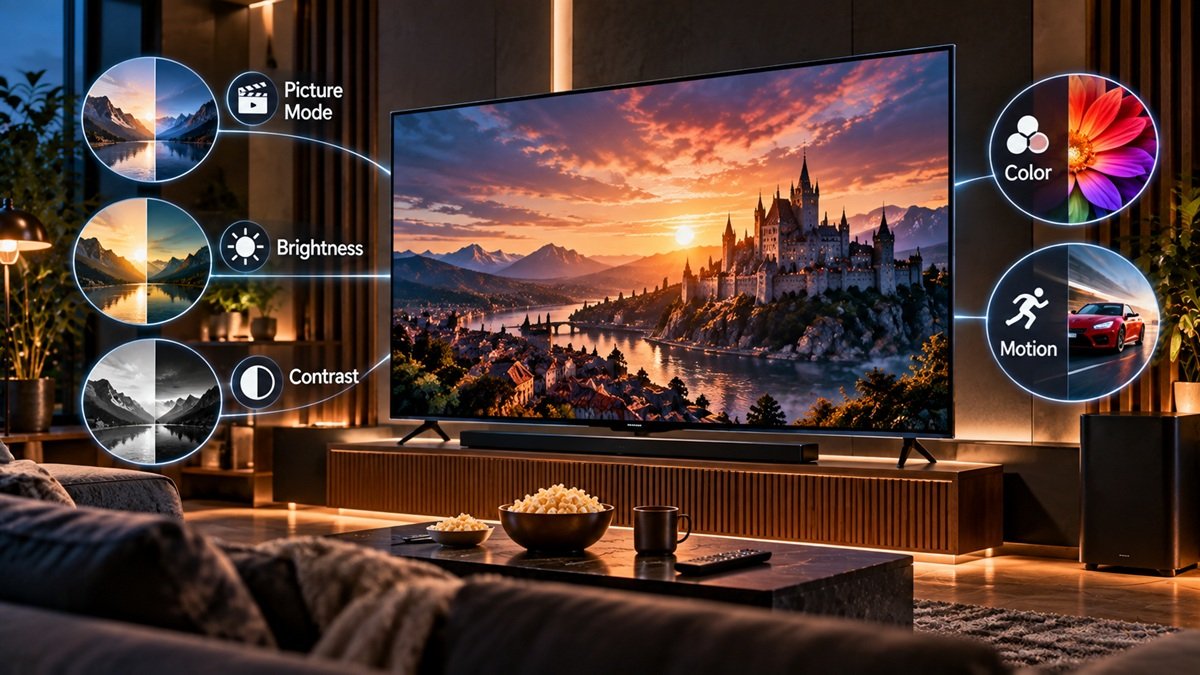
OLED TV Settings for Movies: What RTINGS, Samsung and LG Say
Last updated: October 2026
🕒 6 min read
Disclosure: This article does not contain affiliate or sponsored links. SignalVetted may still reference specific products or brands for informational purposes only.
You press play on a film and the picture looks too bright, too dark, or just slightly off. Sorting out the right OLED TV settings for movies comes down to a few menu decisions, and three sources cover them: RTINGS’ guide to calibrating a TV (updated April 2026), Samsung’s picture-settings support page and LG’s picture-settings support page.
This page sorts out what each one says. It isn’t a buying guide, and everything below is attributed to those pages rather than to testing of our own.
If you’re still choosing a set rather than adjusting one, our full OLED TV guide covers the lineup separately from this settings breakdown.
Table of Contents
OLED TV Settings for Movies: The Short Answer
All three pages cover picture mode. RTINGS says the picture mode usually has the biggest effect on picture quality, and it points to Filmmaker Mode as the usual starting point for an accurate image.
Samsung describes a Movie mode for dark rooms and a Filmmaker Mode that leaves picture settings unchanged. LG ties its recommended mode to room lighting, with Cinema for a dark room.
After the mode, RTINGS names a few settings worth checking and several it says to leave alone. None of the pages reviewed here is written for one specific OLED model. Samsung says the screens available may differ by model and year, and LG notes that the TV’s own capabilities, the room’s lighting and reflections, the settings and the content itself all shape what you see.
Start With the Picture Mode
RTINGS says a picture mode adjusts many things at once, among them color temperature and white balance, and it may affect motion processing as well. Because each mode changes things under the hood, it usually isn’t possible to make one mode look like another. RTINGS therefore suggests starting with the mode closest to the image you want and fine-tuning from there.
Filmmaker Mode
RTINGS says the UHD Alliance introduced Filmmaker Mode in 2019 and that most TVs sold in 2026 include it. It turns off a TV’s extra picture and motion processing so the image stays as close as possible to what the content’s creator intended.
RTINGS says it’s usually the place to begin when accuracy is the goal, but adds that it isn’t always perfect and sometimes locks you out of settings you may want to use.
Samsung’s Movie and Filmmaker modes
Samsung’s picture-settings page lists five modes: Standard, Dynamic, Eco, Movie and Filmmaker Mode. It says Movie suits a dark room, for TV shows or films. Filmmaker Mode, it says, lets you watch content with your picture settings left as they are, and it may appear darker than the other modes.
The path Samsung gives is Settings (All Settings), then Picture, then Picture mode.
LG’s picture modes by room lighting
LG’s page begins from the idea that the TV ships with factory-default settings that you can change for your room and your own tastes. It pairs three lighting situations with three modes: Vivid for natural light, Standard for artificial light and Cinema for a dark room. The menu path is Settings, All Settings, Picture Settings.
LG also publishes numeric values for each of those three rooms, which our guide to calibrating an OLED TV walks through, so this page doesn’t repeat them.
When Filmmaker Mode isn’t what you want
RTINGS says that if you try Filmmaker Mode and don’t like the image, or want more control, each brand in its table has a most accurate alternative. For LG it names Expert (Dark Space, night), and for Samsung it names Movie. Its list also covers Amazon, Hisense, Sony, TCL and Vizio.
Those are RTINGS’ choices. LG’s own page names Cinema for a dark room, so the two sources point to different LG modes. We aren’t ruling between them.
Settings RTINGS Says to Check After the Mode
RTINGS frames its recommended values as the ones that give an accurate SDR picture on most brands. It adds that not everyone wants an accurate picture, so it says to adjust them to whatever looks right to you.
Color temperature
RTINGS explains that warmer color temperatures make the picture look yellower and cooler ones look bluer. It recommends a warm setting, saying that’s what professional calibrators use and that it’s closest to the 6500K standard. It also says you can choose whatever you prefer.
The OLED brightness setting
RTINGS says there’s no single right backlight setting, because it depends on your viewing conditions. A bright room needs a brighter setting than a completely dark one. It adds that OLED screens have no backlight, so you look instead for “OLED Pixel Brightness” on LG TVs or “Brightness” on Sony and Samsung OLED TVs.
Samsung’s page, as reviewed here, lists both a Backlight setting and a Brightness setting and doesn’t say which applies to OLED models.
For Backlight, Samsung says you may want to raise it for a particularly bright room and lower it for a dark one. If your picture looks too dark, see our guide to why an OLED TV looks too dark.
Gamma
RTINGS describes gamma as how a TV turns an incoming SDR signal into the light levels on screen. It calls 2.2 its most accurate choice for a room with average lighting and says 2.4 fits a completely dark room better. Most TVs also offer BT.1886, which RTINGS describes as partly a blend of 2.2 and 2.4, with better shadow detail than 2.4.
For SDR, it recommends 2.0 for a bright room, 2.2 for an average room, and 2.4 or BT.1886 for a dark room.
Settings That Change by Input and by HDR or SDR
RTINGS says most TVs need settings adjusted for each input, though most TVs let you copy your current settings to the others, and native apps are often treated separately. It also says TVs keep separate settings for HDR and SDR, and that most of its guide applies to both with a few differences.
Its recommended values are framed as SDR values. The pages reviewed here don’t give separate HDR values, so this page doesn’t either.
What RTINGS Says to Leave Alone
Black level
According to RTINGS, the black level setting adjusts how deep blacks look. Set too low, it can crush fine detail in dim scenes, and set too high, blacks look less dark than they should. Almost all TVs have it set correctly by default, so RTINGS recommends leaving it alone. Its table lists Black Level at 50 for LG and N/A for Samsung.
Color, tint and white balance
RTINGS says color and tint are almost always correct by default in the accurate picture mode, so there’s usually no reason to change them.
White balance and color space settings, it says, can’t be adjusted without specialized equipment, and the right values differ from one unit to the next, even for the same model and size. For that reason, RTINGS advises against copying anyone else’s settings, including the values it publishes on its own review settings pages.
Which Part Matters for Which Viewer?
The points above weigh differently depending on how and where you watch. Here they are by situation, using only what the three pages say.
- A dark room. RTINGS points to Filmmaker Mode first and lists 2.4 or BT.1886 gamma for a dark room. Samsung names Movie for dark rooms, and LG names Cinema.
- A brighter room. LG pairs artificial light with Standard mode, and RTINGS says the OLED brightness setting should be adjusted to your viewing conditions.
- Filmmaker Mode doesn’t suit you. RTINGS lists alternative modes if you don’t like its image, and Samsung says Filmmaker Mode may look darker than other modes.
- Several inputs or HDR content. RTINGS says settings are usually per input and separate for HDR and SDR, so check each one.
Frequently Asked Questions
What do RTINGS, Samsung and LG say about OLED TV settings for movies?
RTINGS says Filmmaker Mode is usually the place to begin when accuracy is the goal, then points to color temperature (it recommends warm), gamma and the OLED brightness setting. Samsung names Movie for dark rooms and describes Filmmaker Mode as leaving picture settings as they are. LG names Cinema for a dark room.
Is Filmmaker Mode the same as Movie mode?
They’re listed as separate modes. Samsung describes Movie as suited to a dark room and Filmmaker Mode as showing content without changes to the picture settings. RTINGS also says it usually isn’t possible to make one picture mode look like another.
Should I copy someone else’s picture settings?
For white balance and color space, RTINGS advises against it, including copying its own published values, because the right values differ from one unit to the next, even for the same model and size.

Nridi
Editor, SignalVetted
This article does not report independent product testing.
✅ Based on RTINGS’ TV calibration guide (updated April 2026) and the picture-settings support pages from Samsung and LG.