
Samsung OLED Buying Guide: Which 65-Inch Tier Should You Choose?
Last updated: September 2026
🕒 6 min read
Disclosure: This article does not contain affiliate or sponsored links. SignalVetted may still reference specific products or brands for informational purposes only.
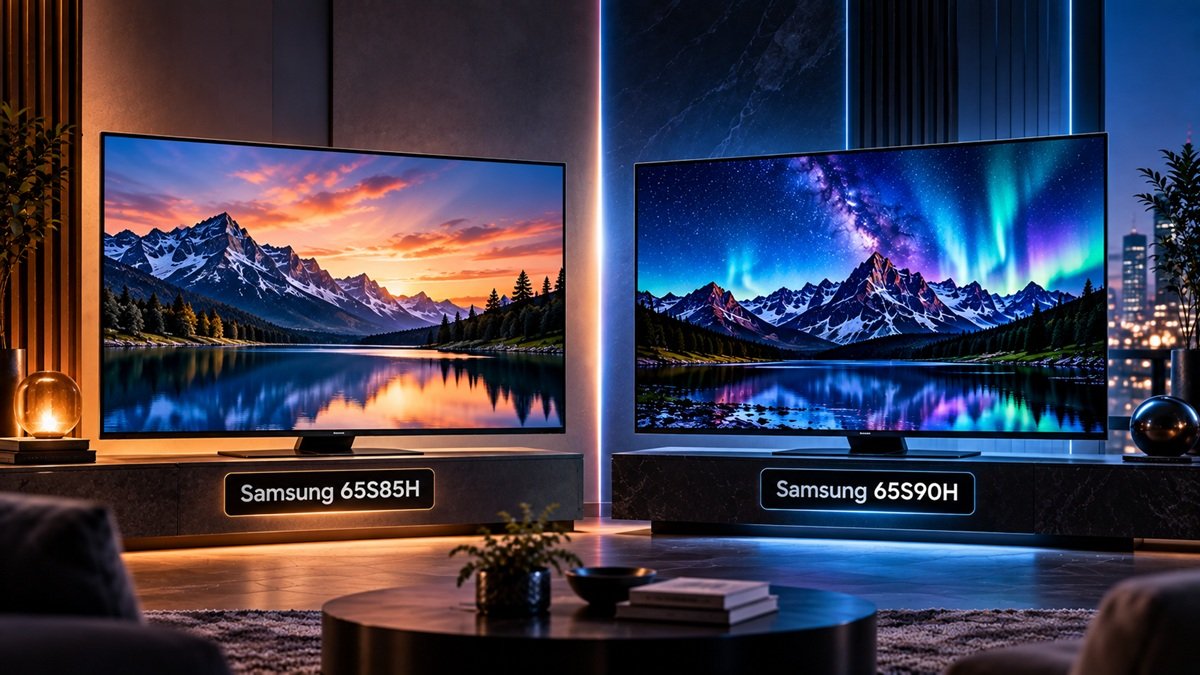
Two model numbers, one confusing choice: the 65S85H and the 65S90H both carry Samsung’s OLED branding, and neither is simply a smaller or larger version of the other. This Samsung OLED buying guide exists because the gap between them shows up in daily use, not on a spec sheet’s surface — a shopper comparing the two side by side on a retail page can easily miss what actually separates a 65S85H from a 65S90H.
Both trace back to the same OLED foundation this site covers in our full OLED TV guide, so this piece narrows in specifically on how Samsung splits its own 65-inch range into a budget tier and a step-up tier. What changes between the two isn’t the screen technology underneath — it’s processing power, how high the refresh rate can climb, and a single bright-room feature reserved for the higher tier.
Table of Contents
Samsung OLED Buying Guide: The Two 65-Inch Tiers, Explained
Here’s the detail that reshapes how to think about Samsung’s 65-inch OLED lineup: per the corrected product data on file for both models, the 65S85H and 65S90H run on an LG Display-sourced WOLED panel, not an in-house Samsung display technology. That shared origin means both tiers inherit the same defining OLED traits — true blacks, wide viewing angles, fast pixel response — before Samsung’s own engineering ever enters the picture. Where the two tiers actually split is downstream of the panel: the 65S85H sits at the budget end of Samsung’s 65-inch range, and the 65S90H occupies what this guide treats as the mid-flagship step above it.
So panel sourcing is settled and identical — it can’t be what decides between them. Three things Samsung layered on top of that shared panel do the deciding instead: a newer processor on the 65S90H, a higher refresh-rate ceiling, and a Glare Free coating the 65S85H doesn’t get at all. The rest of this guide is really just working out which of those three, if any, you’d notice in your own room.
How Samsung’s Tier Structure Works
Same Panel Foundation, Different Processing
It’s worth being direct about what “Samsung OLED” means at this pair of tiers: the panel construction inside both the 65S85H and the 65S90H comes from LG Display, not a Samsung-built display technology. That doesn’t make a 65S85H or 65S90H an LG television in any meaningful sense — Samsung’s own processing, software platform, and feature set sit on top of that panel and are what a viewer actually interacts with day to day. This guide stays inside Samsung’s own lineup rather than attempting a specific Samsung-tier-versus-LG-tier verdict; for the one tested pairing we cover, the Samsung S90H against the LG C6, see our LG OLED vs Samsung OLED comparison.
Where This Samsung OLED Buying Guide’s Two Tiers Diverge
Start with the one upgrade that isn’t about picture processing at all: Glare Free, a coating on the 65S90H that the 65S85H doesn’t get in any form, aimed purely at cutting reflections in a bright or window-lit room — a real-world effect independently confirmed by TechRadar’s own hands-on test against a conventional OLED panel. It has nothing to do with contrast, color, or black levels — a fundamentally different category of upgrade from everything else separating these two tiers.
The other two differences sit where you’d expect: the 65S85H runs Samsung’s NQ4 AI Gen2 processor with 4K support up to a 120Hz ceiling, described in Samsung’s own product documentation as sufficient for general viewing, streaming, and most console gaming, while the 65S90H steps up to the newer NQ4 AI Gen3 processor and a 165Hz refresh ceiling.
Which Samsung OLED Tier Fits Your Situation
Budget isn’t really what should decide this — it’s whether you’d actually use either of the 65S90H’s two upgrades. A window facing the screen, or overhead lighting nobody wants to dim every movie night, is precisely the daily annoyance Glare Free was built to solve. A gaming setup that can push frame rates past 120 gets real, ongoing value from the 165Hz ceiling too; a setup that can’t will never notice it exists. Still deciding whether Samsung OLED belongs on the shortlist at all, before narrowing down to a specific tier? our investigation into whether Samsung OLED TVs are worth it answers that upstream question.
For everyone else, the 65S85H isn’t a downgrade to settle for — it’s simply the tier that fits. A dim or moderately lit room, console gaming, movie nights, and everyday streaming all stay comfortably inside its 120Hz ceiling and Gen2 processing, and skipping the 65S90H doesn’t cost any OLED picture quality — it only skips a coating and a refresh ceiling most living rooms won’t ever test. Whichever tier you buy, it helps to know what Samsung’s warranty leaves out before anything goes wrong; our guide to Samsung TV warranty denials walks through the exclusions in Samsung US’s general terms.
Common Misconceptions About Samsung’s OLED Tiers
It’s worth addressing directly: a cheaper Samsung OLED still sounds, to a lot of shoppers, like a compromised OLED. It isn’t. Every dollar separating the 65S85H from the 65S90H goes toward processor generation, refresh-rate ceiling, and the Glare Free coating — none of it goes toward the display panel itself, which is identical LG Display-sourced WOLED technology on both tiers. Black levels, contrast, and viewing angle on the budget 65S85H come from the exact same panel mechanism driving the pricier model.
A second misconception: assuming Glare Free coating is a picture-quality upgrade the way a newer processor is. It isn’t — it changes how the screen handles reflected light, not contrast or black levels. A dark, well-controlled room gets essentially no benefit from it, no matter how much the rest of the 65S90H’s spec sheet appeals.
A third: assuming that because both tiers share an LG-sourced panel, the two brands’ TVs are basically interchangeable. The screens share a construction lineage, but the software platform, processor, and feature set built on top of it are Samsung’s own — panel sourcing alone doesn’t settle how a Samsung set actually looks or feels to use day to day. If you’re weighing the brand rather than the tier, see our guide on whether Samsung is a good TV brand.
Ready to compare the two side by side?
Every spec, laid out model by model: our Samsung 65S85H vs 65S90H comparison covers processor, refresh rate, and glare handling in full.
Frequently Asked Questions
What does this Samsung OLED buying guide recommend for most buyers?
The 65S85H handles the vast majority of 65-inch use cases — general viewing, streaming, console gaming — comfortably inside its 120Hz ceiling, so most shoppers don’t need to spend more. Stepping up to the 65S90H only pays off for two specific groups: households dealing with real glare from windows or overhead lighting, and PC gamers pushing frame rates past 120.
Do the 65S85H and 65S90H use the same display panel?
Yes — per the corrected product data on file for both models, they use the same LG Display-sourced WOLED panel. The differences between them come from the processor, refresh-rate ceiling, and Glare Free coating built on top of that shared foundation, not the screen itself.
Is Samsung’s OLED technology different from LG’s?
Not at the construction level — both of Samsung’s tiers here use an LG Display-sourced panel, the same lineage LG uses in its own sets. What Samsung builds on top of that panel — its own processor, software platform, and feature set — is where the two brands actually diverge, and this guide doesn’t attempt a full brand-vs-brand verdict; that’s a separate, more detailed question it leaves open.

Nridi
Editor, SignalVetted
This article does not report independent product testing.
✅ Based on manufacturer specification data.