
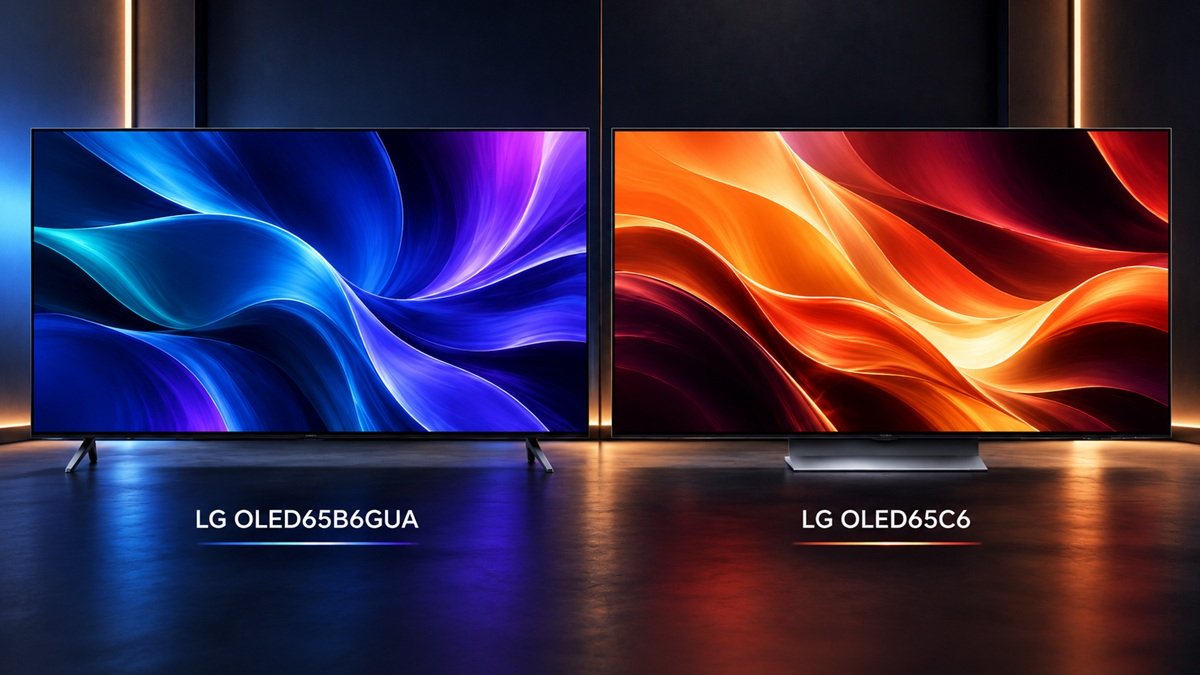
LG OLED65B6GUA vs LG OLED65C6: Which Tier Fits You?
Last updated: September 2026
🕒 9 min read
Disclosure: As an affiliate partner, we may earn a commission from qualifying purchases made through the links in this article, at no extra cost to you.
Once you’ve settled on LG for your next 65-inch OLED, the remaining question is which tier actually fits your room. The OLED65B6GUA sits at LG’s entry point, while the OLED65C6 moves up into mid-flagship territory — and like most tier jumps, the gap isn’t about one TV being categorically better so much as which specific upgrades you’ll actually use. We put the two side by side to look at exactly what the step up buys: a newer processor, a higher refresh-rate ceiling, and an upscaling feature the entry model doesn’t have.
Table of Contents
Quick Comparison
| Criterion | LG OLED65B6GUA | LG OLED65C6 |
|---|---|---|
| Processor | Alpha 8 | Alpha 11 Gen3 |
| Refresh Rate | 4K up to 120Hz | 4K up to 165Hz |
| Upscaling | Standard processing | AI Super Upscaling |
Comparison reflects editorial assessment based on manufacturer specifications — not a lab-controlled side-by-side test unless stated otherwise below.
Processor: Alpha 8 vs Alpha 11 Gen3
This is the widest processor gap of any pairing in LG’s current 65-inch OLED range, and it shows up in more than one place. The OLED65B6GUA runs LG’s Alpha 8 chip, an entry-level processor built to handle everyday 4K content competently without extra frills. The OLED65C6 steps up several generations to the Alpha 11 Gen3, which per LG’s own product documentation for the OLED65C6 adds considerably more AI-driven scene analysis, noise reduction, and tone-mapping precision. For native 4K streaming, the practical gap is smaller than the generation count suggests — both chips handle clean, well-mastered sources well.
Where the difference becomes obvious is with older or lower-quality sources: standard-definition cable, heavily compressed streams, or DVD-quality video, where the Alpha 11 Gen3’s extra processing power produces a noticeably cleaner, less noisy image. Our full review of the OLED65B6GUA covers how the Alpha 8 chip performs on its own terms, for anyone weighing whether the entry tier’s processing is enough before looking at the C6 at all.
There’s also a build-quality-adjacent point worth naming: a newer processor generation in LG’s lineup has historically come with better long-term firmware support, since it takes longer for a chip several generations behind to run out of headroom for new features. That’s not a guarantee specific to these two models, but it’s a reasonable factor if you plan to keep the TV for six-plus years rather than upgrading again in two or three.
Refresh Rate: 120Hz vs 165Hz
As with most tier jumps in this category, refresh rate is the spec most likely to actually change your buying decision, and it splits by use case rather than by which TV is “better.” Both TVs top out at 4K resolution, but the OLED65B6GUA caps at 120Hz while the OLED65C6 reaches 165Hz. For movies, general streaming, and most console gaming, 120Hz is already well past the point where more matters.
The 165Hz ceiling earns its keep specifically for PC gaming on hardware that can sustain frame rates above 120 — at that point, the extra headroom is a real, felt improvement in motion smoothness and perceived responsiveness, not a marketing number. Our full review of the OLED65C6 goes deeper on how that ceiling holds up in practice for anyone specifically shopping for a high-refresh gaming display.
It’s also worth being honest about diminishing returns here: the jump from 60Hz to 120Hz is the one most people notice immediately and dramatically. The jump from 120Hz to 165Hz is real but smaller in perceived impact for most viewers — a clear plus if you’re already gaming at high frame rates, but not the kind of upgrade that transforms an ordinary movie night the way the first refresh-rate jump did.
Upscaling: Standard Processing vs AI Super Upscaling
This is the criterion most tied to everyday, non-gaming viewing, and it’s where the OLED65C6’s processor advantage becomes most visible in ordinary use. LG’s own AI TV documentation names AI Super Upscaling as a dedicated feature, using the Alpha 11 Gen3’s extra processing headroom to analyze lower-resolution content and reconstruct detail more convincingly than standard upscaling. The OLED65B6GUA’s Alpha 8 chip still upscales sub-4K content — it simply does so with a less sophisticated approach.
If a meaningful share of what you watch isn’t native 4K to begin with (older shows, cable, some streaming libraries that still cap well below 4K), this is the spec that affects your day-to-day picture quality the most directly, more than the refresh-rate number most buyers focus on first.
Both TVs support Dolby Vision, which is worth stating plainly since it’s easy to assume a feature gap here that doesn’t actually exist — the upscaling and processor differences above are real, but Dolby Vision compatibility isn’t one of the things separating these two tiers.
It’s also worth being specific about what “AI Super Upscaling” is actually doing, since upscaling terminology varies a lot between brands and tends to get treated as a black box. In practice, it means the processor is analyzing a lower-resolution frame, identifying edges and texture patterns, and reconstructing detail that isn’t literally present in the source signal — an educated guess informed by a large trained model, not a lossless recovery of missing information.
The Alpha 8’s standard upscaling does a version of this same job with a simpler, less computationally intensive approach, which is why the visible gap tends to widen the further a source sits below native 4K. A 1080p cable broadcast will show the difference more clearly than a slightly-compressed 4K stream, where there’s less missing detail for either chip to reconstruct in the first place.
None of this makes the Alpha 8’s approach a bad one — it’s simply an older, less resource-intensive method built for a lower price point. If your source library skews heavily toward native 4K streaming from major platforms, the practical gap between the two chips narrows considerably, since there’s comparatively little upscaling work for either processor to do in the first place.
Who Should Choose the LG OLED65B6GUA
If your budget is the deciding factor and your viewing is mostly native 4K streaming and movies, the OLED65B6GUA gets you LG’s OLED picture quality without paying for processing headroom aimed at edge cases. The Alpha 8 chip handles well-mastered 4K content capably, and 120Hz already covers what the large majority of living-room use actually asks for. For a fuller sense of how the B6GUA’s pricing compares against the rest of the field, our guide to OLED TVs under $1,000 is a useful next stop for anyone shopping this tier specifically on price.
It’s also a reasonable pick for a secondary room — a bedroom or den — where you want genuine OLED contrast without dedicating your top-tier budget to a screen you’ll spend less time in front of, and where the processor gap matters even less given lighter, more casual viewing habits.
Who Should Choose the LG OLED65C6
The OLED65C6 makes the most sense for two specific groups: PC gamers who can actually sustain frame rates above 120, where the 165Hz ceiling is a genuine, usable upgrade rather than a spec-sheet number, and anyone whose regular viewing includes a meaningful amount of lower-resolution or older content, where AI Super Upscaling does real, visible work. If your viewing is overwhelmingly native 4K and your gaming is console-based, the C6’s extra cost is buying capability you’re less likely to use day to day — worth knowing before paying the premium rather than after.
It’s also the better pick for anyone planning to keep the TV as their main screen for several years, since the extra processing headroom tends to age more gracefully as streaming services push more demanding formats and higher bitrates over that time — the same long-term-support reasoning that applied to the processor comparison above.
Final Verdict
Both TVs share the same core OLED picture quality at their price points — the difference between them comes down to processing power, refresh-rate ceiling, and upscaling, not a gap in fundamental display technology. The OLED65B6GUA is the sensible choice for a simple, budget-conscious 4K setup; the OLED65C6 earns its higher price specifically for high-refresh PC gaming setups and mixed-quality content libraries where its extra processing actually gets put to use.
If you’re weighing the decision purely on numbers, ask yourself two questions: do you have hardware that regularly exceeds 120 frames per second, and does a meaningful share of what you watch fall short of native 4K? Two “yes” answers point clearly toward the OLED65C6; two “no” answers point just as clearly toward the OLED65B6GUA.
A single “yes” is more of a judgment call — at that point it comes down to how much you personally value the one upgrade that does apply to you against the price gap separating the two tiers. For the wider context of where these two sit inside LG’s full 65-inch OLED range, our full OLED TV guide covers the rest of the lineup alongside these two.
🛒 Check LG OLED65B6GUA (paid link)
🛒 Check LG OLED65C6 (paid link)
Frequently Asked Questions
Is the LG OLED65C6 worth the upgrade over the OLED65B6GUA?
It depends on what you’ll use the extra processing for. If you game on a PC that can sustain over 120 frames per second, or you regularly watch lower-resolution content that benefits from AI Super Upscaling, the C6’s upgrades are worth paying for. If your viewing is mostly native 4K and your gaming is console-based, the B6GUA already covers what you need.
Do these two TVs use the same display panel?
Both use LG’s own WOLED panel technology — the differences between them come from the processor, refresh-rate ceiling, and upscaling feature set covered above, not the underlying display.
Can the OLED65B6GUA still handle modern gaming?
Yes, up to its 120Hz ceiling — it remains a capable display for console gaming and most PC setups. The OLED65C6’s advantage only becomes meaningful once your hardware can consistently exceed 120 frames per second.
Does the OLED65B6GUA support Dolby Vision?
Yes — both the OLED65B6GUA and the OLED65C6 support Dolby Vision. It isn’t a differentiator between these two tiers; the real differences are processor generation, refresh-rate ceiling, and upscaling.
Will AI Super Upscaling make old DVDs look like 4K?
No — upscaling improves clarity and reduces visible noise, but it can’t add detail that was never captured in the original source. A DVD will look noticeably better on the OLED65C6 than on a basic display or on the OLED65B6GUA, but it won’t match a genuine native 4K source regardless of how capable the processor doing the upscaling is.

Nridi
Editor, SignalVetted
SignalVetted has not independently tested these TVs.
✅ Based on spec analysis and LG’s official data.