
How to Turn Off Audio Description on a TV: What LG Says
Last updated: October 2026
🕒 2 min read
Disclosure: This article does not contain affiliate or sponsored links. SignalVetted may still reference specific products or brands for informational purposes only.
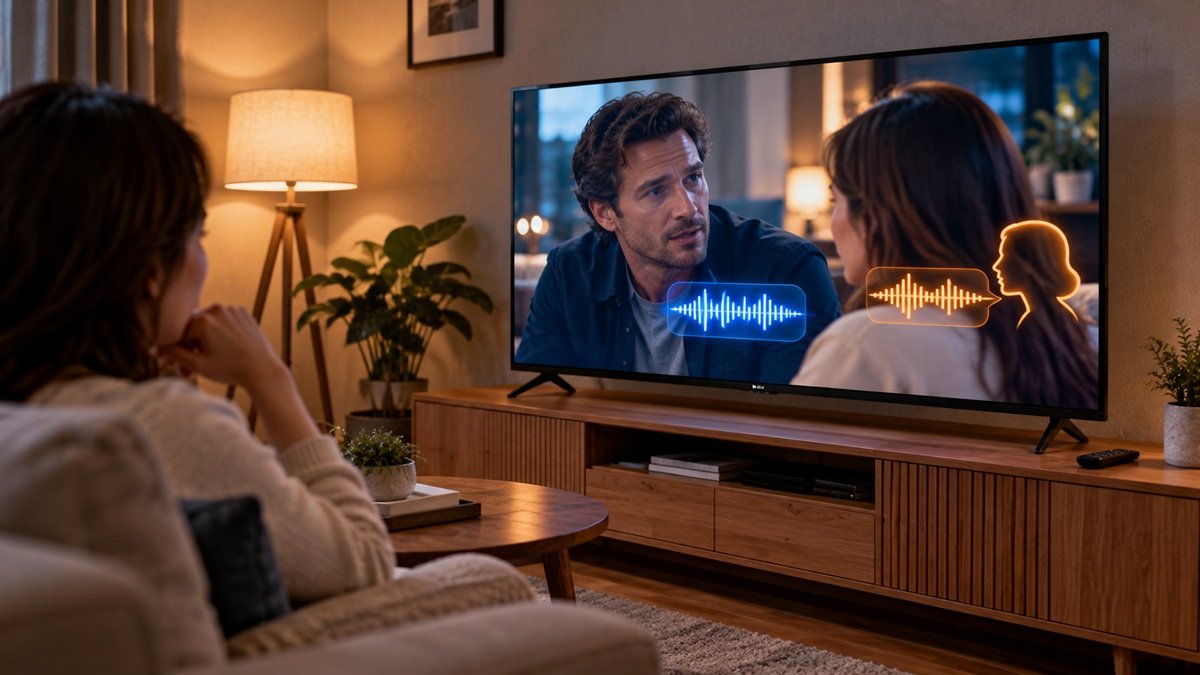
How to turn off audio description on a TV? If you hear a voice describing characters’ actions or scenes, LG says the Video Description feature for the visually impaired is on. It works only for programs or channels where the broadcaster supports it. This article follows only LG’s US support page, [LG TV] How Do I Turn Video Description (Audio Description) Off?. We haven’t tested any TV.
Table of Contents
Why Is My TV Describing What’s on Screen?
LG lists three possible reasons: the feature is turned on, the settings were changed by accident with the remote, or the feature is turned on in the connected set-top box instead of the TV.
How to Turn Off Audio Description on a TV: Menu Path by Model Year
LG says you can turn off Video Description in the TV settings, and it lists where to find the setting by model year. On 2023 and newer TVs (webOS 23 or later) and 2021–2022 TVs (webOS 6.0–22), press Settings on the remote, then go to All Settings, General, Accessibility, Video Description. On 2020 and older TVs (webOS 5.0 or earlier), the path is Settings, All Settings, Accessibility, Video Description, with no General step.
For 2025 and newer TVs (webOS 25 or later), LG’s numbered steps are written for turning the feature on: the same menu path, then set Video Description to On. LG’s page doesn’t give a step for choosing Off.
How to Turn Off Audio Description on a TV If the Narration Continues
If you still hear the narration after turning off Video Description on the TV, LG says the cause likely lies in your set-top box settings rather than the TV. Check them with the set-top box remote. For detailed instructions, LG says to contact your service provider.
What LG’s Page Doesn’t Cover
LG’s page shows a date of 02/11/2026. It gives the menu path but no step for choosing Off, and no set-top box menu steps. LG also notes that the images or content may be different from your product.
Frequently Asked Questions
Does Video Description work on every channel?
LG says it works only for programs or channels where the broadcaster supports it.
Can Video Description be turned on by accident?
LG says the settings may have been changed accidentally while using the remote control.

Nridi
Editor, SignalVetted
This article does not report independent product testing.
✅ Based on the sources named on this page.