
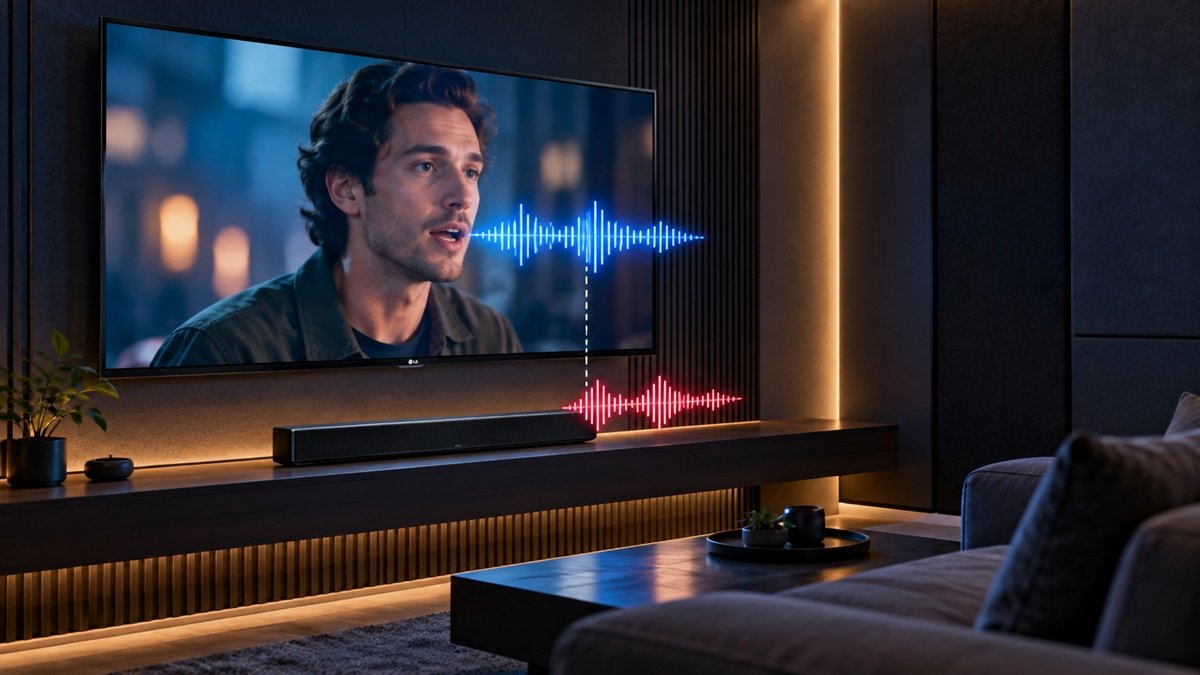
How to Fix Audio and Video Out of Sync on an LG TV
Last updated: October 2026
🕒 2 min read
Disclosure: This article does not contain affiliate or sponsored links. SignalVetted may still reference specific products or brands for informational purposes only.
How to fix audio and video out of sync on an LG TV? LG’s page asks whether every channel is affected. This article follows only that page, “LG TV – Audio and Video Out of Sync”. We haven’t tested any TV.
Table of Contents
Start With Which Channels Are Out of Sync
If only certain channels are out of sync, LG says a problem with their broadcast signal is highly likely, and to contact your broadcast service provider first.
How to Fix Audio and Video Out of Sync on an LG TV: All Channels
LG says to try using both the TV speaker and an additional external speaker. If the sound is out of sync, adjust the sync in Match Screen and Sound. LG also says to try delaying the TV’s audio output to sync it with the external speaker.
LG TVs From 2021 (webOS 6.0) or Later
Go to Settings → All Settings → Sound → Advanced Settings → Match Screen and Sound. LG notes this applies only to the TV speaker or devices that support Sound Share and are connected to the HDMI (eARC/ARC) port.
- Select Bypass. LG says sound is then output without delay.
- If the problem persists, turn Bypass off and adjust TV Speaker Delay carefully. The closer to 60, the slower the voice output gets.
LG TVs From 2020 (webOS 5.0) or Earlier
Go to Settings → All Settings → Sound → Additional Settings → AV Sync Adjustment.
- Set Bypass to ON and check the sync.
- If still out of sync, set Bypass to OFF and adjust the video and speech volume from 0 to 15.
What LG’s Page Doesn’t Say
LG’s page shows a date of 07/17/2026 and says it covers all models, so content may differ from your TV. It gives no recommended TV Speaker Delay value.
Frequently Asked Questions
How to fix audio and video out of sync on an LG TV if only some channels are affected?
LG says to contact your broadcast service provider first.
What does Bypass do?
On webOS 6.0 or later, LG says it outputs sound from the broadcast signal or external device without delay.

Nridi
Editor, SignalVetted
This article does not report independent product testing.
✅ Based on the sources named on this page.