How to Turn Off Closed Captioning on an LG TV: What LG Says
Last updated: October 2026
🕒 2 min read
Disclosure: This article does not contain affiliate or sponsored links. SignalVetted may still reference specific products or brands for informational purposes only.
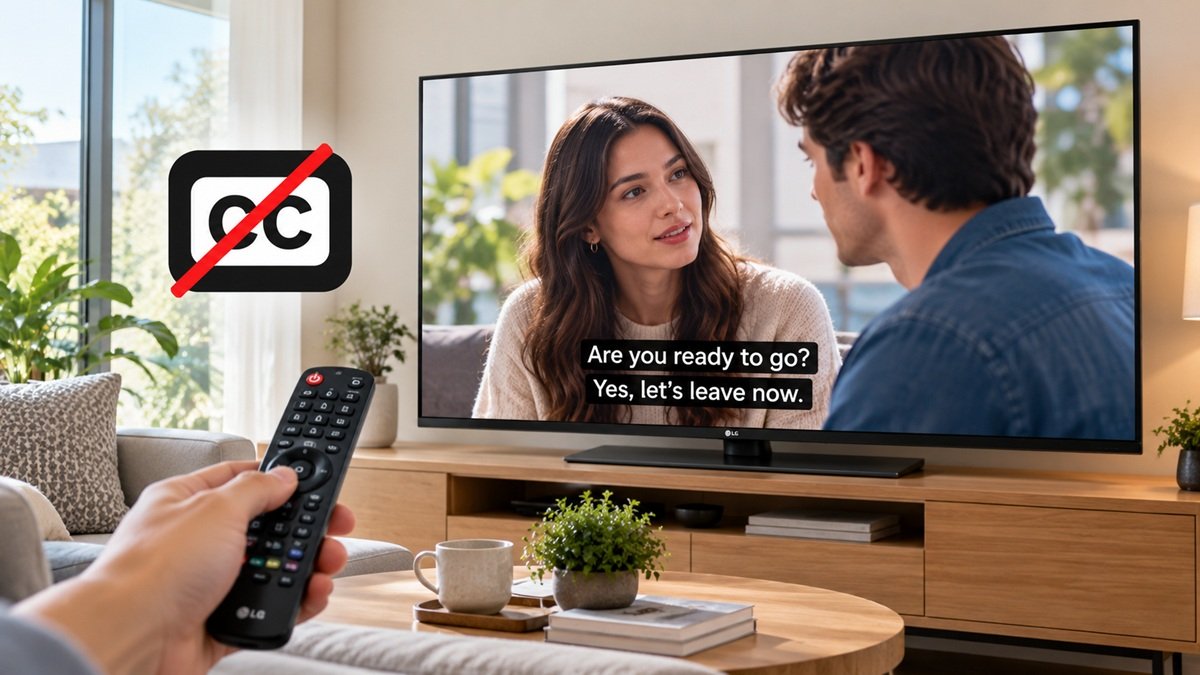
How to turn off closed captioning on an LG TV? LG’s US support page, “How to Fix Closed Captions Not Showing on Your LG TV”, puts the Closed Caption setting in the Accessibility menu and gives it as an On/Off choice. The page is mainly about captions that won’t show. We haven’t tested any TV.
Table of Contents
How to Turn Off Closed Captioning on an LG TV: Check Your webOS Version
LG says to find your webOS version by pressing the Settings (gear icon) or Mute button on the remote three times in a row.
How to Turn Off Closed Captioning on an LG TV: Menu Path by webOS Version
LG lists three paths. Press Settings on the remote, then follow yours:
- 2026 and newer TVs (webOS 26 or later): All Settings, General, Accessibility, Hearing Features, Closed Caption, then set it to On/Off.
- 2021 and newer TVs (webOS 6.0 or later): All Settings, General, Accessibility, Closed Caption, then set it to On/Off.
- 2020 and earlier TVs (webOS 5.0 or earlier): All Settings, Accessibility, Closed Caption, then set it to On/Off.
If your remote has no gear-shaped Settings button, LG says to press Home, then select the Settings icon on the TV screen.
Set-Top Box or Streaming App
LG says captions from a set-top box or a streaming app such as Netflix are not handled in the TV settings. For a set-top box, LG says to use that device’s remote. For a streaming app, LG points to the app’s settings menu on the playback screen. LG’s wording for both is about turning captions on.
Why Captions Might Not Show
LG lists three reasons: a direct antenna connection, a broadcaster that doesn’t provide captions, and the use of an external device or streaming app. If captions are on but don’t appear, LG says the broadcaster may not provide them for that program, so try another channel. If the problem continues, LG points to its Chatbot or a technician visit.
What LG’s Page Doesn’t Say
The page shows a date of 08/18/2026. It gives the setting as On/Off, with no separate step for choosing Off, and no turn-off steps for a set-top box or streaming app. It lists the 2026 and 2021 paths separately and doesn’t say which applies to a 2026 TV beyond that listing.

Nridi
Editor, SignalVetted
This article does not report independent product testing.
✅ Based on the sources named on this page.