
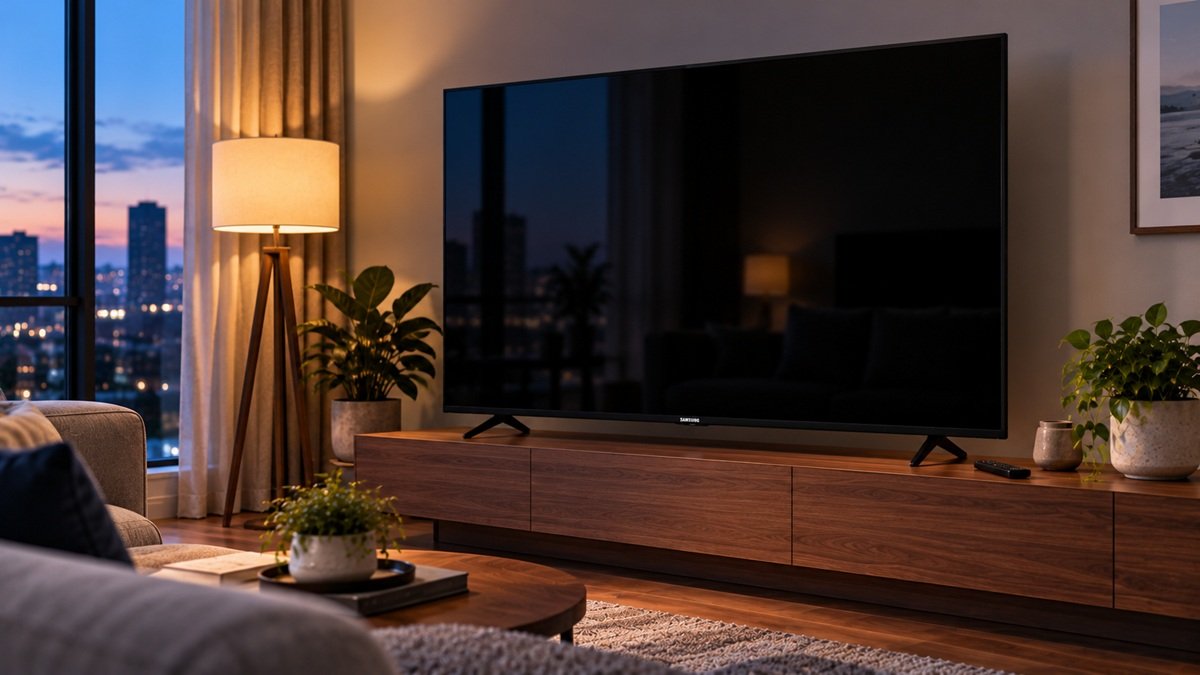
Why Is My Samsung TV Screen Black?
Last updated: October 2026
🕒 3 min read
Disclosure: This article does not contain affiliate or sponsored links. SignalVetted may still reference specific products or brands for informational purposes only.
Why is my Samsung TV screen black when it’s on or playing sound? Samsung’s support page says the cause may be an external device. Its steps differ if your TV uses a One Connect Box. This article uses that page only.
Table of Contents
Why Is My Samsung TV Screen Black? Start With the Home Button
Samsung says to press the Home (Menu) button on the remote.
- The menu appears. The TV is on. Samsung says it may be on the wrong source or getting no signal, so match the source to the device and make sure the device is on.
- The menu doesn’t appear. Samsung says the TV may have a power problem and points to its guide for a TV that will not turn on.
Run the HDMI Cable Test
If the TV is connected by HDMI, Samsung says to run the HDMI Cable Test: Settings > Support > Device Care > Self Diagnosis > Signal Information > HDMI Cable Test. Samsung says the test is designed for cords under 6 feet (under 2 meters in the One Connect steps) and may not be accurate on longer ones. Some models have it only after a software update, and older models don’t have it. Keep the TV on that cable’s HDMI source and follow the on-screen instructions. If the test says the cable is bad, replace it; service is not required.
Samsung also says to try a different device or a different source port, and to swap the cable if you couldn’t run the test. If the TV shows a picture in any other setup, Samsung says you’ve ruled out the TV as the cause.
Black Screen on a Samsung TV With a One Connect Box
- Check the One Connect cable. Some models call it the Invisible Cable. Reseat it at both ends, and replace it if it’s bent, broken, kinked, pinched or under a heavy object.
- Disconnect the One Connect Box. Unplug its power cord or the One Connect cable. Samsung says the box needs replacement if anything, such as a message or picture, then appears. If the TV is plugged into a wall outlet and on, and no message appears with the box disconnected, it says to request service. If the TV has no power cord connected directly to a wall outlet, go straight to the Home button check.
- Continue. Samsung says to reconnect the box if there are no messages, then repeat the Home button, source, HDMI Cable Test and other-device checks above.
Requesting Service
If there’s still no picture, Samsung says to request service through its Support Center.
What Samsung’s Page Doesn’t Say
The page shows no date in its text and doesn’t list which models or years the steps cover.
Frequently Asked Questions
Why is my Samsung TV screen black but the sound works?
Samsung says that if the TV is on and producing sound, the cause may be an external device. Check connections and cables, and use the Home button to see whether the menu appears.
What should I check if my Samsung TV uses a One Connect Box?
Samsung says to check the One Connect cable, then disconnect the box. If a message or picture appears, the box needs replacement.

Nridi
Editor, SignalVetted
This article does not report independent product testing.
✅ Based on the sources named on this page.