
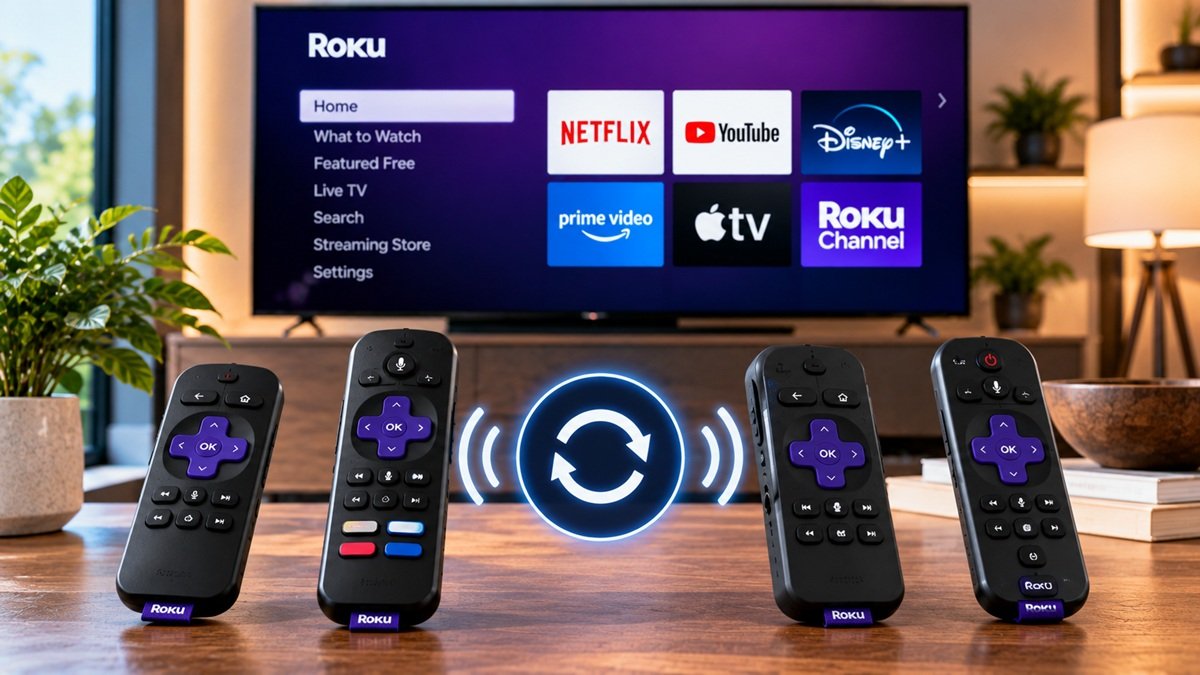
How to Reset a Roku Remote: Steps by Remote Type
Last updated: October 2026
🕒 4 min read
Disclosure: This article does not contain affiliate or sponsored links. SignalVetted may still reference specific products or brands for informational purposes only.
Is your remote slow to respond, or has it stopped responding altogether? If you searched for how to reset a Roku remote, note that Roku’s support page groups its steps by remote type. It names different actions depending on the remote type, and it treats restarting the remote and pairing it as separate steps.
This guide follows Roku’s page, one remote type at a time. If you’re not sure whether you have a Roku TV or a separate Roku player, our guide to what Roku is explains the difference.
Table of Contents
How to Reset a Roku Remote: Restart or Pair by Remote Type
Roku’s page covers what to do when a Roku remote isn’t responding, has delayed buttons, or has volume or power controls that aren’t working. It starts by asking which type of remote you have. You can read it in full at Roku Support’s page on fixing a Roku remote.
Simple Remote
A simple remote has no voice or microphone button. It uses infrared and needs to point directly at your Roku device.
Voice Remote
A voice remote has a microphone or a magnifying glass button. Some voice remotes also connect to your Roku device using wireless signals, not infrared, so you don’t have to point them directly at the device.
If Your Remote Feels Hot
Read this before you take any batteries out. Roku’s page says to stop using a hot remote immediately. It says not to remove the batteries if they are hot, and not to touch them.
Place the remote on a hard, non-flammable surface, like tile, and let it cool before you handle it again. If it doesn’t cool down, Roku’s page says to contact Roku support.
Simple Remote: Line of Sight and Batteries
Check Line of Sight
Roku’s page says a simple remote needs a clear path to the Roku device. Make sure nothing blocks the front of the device, and don’t hide it behind a TV or in a cabinet. Try pointing the remote from different angles.
Change the Batteries
Check the hot-remote section above first. Roku’s page gives these steps:
- Remove the old batteries.
- Press any two buttons. Roku’s page calls this step resetting the remote.
- Insert a fresh matching pair of batteries.
- Replace the battery cover.
Voice Remote: Restart It
Battery-Powered Voice Remote
Roku’s page calls this restarting your remote. Check the hot-remote section above first, then follow these steps:
- Remove both batteries.
- Press any two buttons.
- Reinsert the batteries, negative end first.
- Replace the cover.
Rechargeable Voice Remote
For a rechargeable remote, Roku’s page gives a different set of steps:
- If your remote has a Pairing button, hold it for 20 seconds.
- If it has no Pairing button, press and hold Back and Home for 20 seconds.
- Wait for the light on your remote to stop flashing.
- Recharge the remote with the cable that came with it, plugged into USB power or a computer, for at least 5 hours.
Check the Battery Level
On your Roku, go to Settings, then Remotes & Devices, then Remotes, then your remote, then About.
Restart Your Roku Device and Pair the Remote
Restart Your Roku Device
Roku’s page lists these steps for restarting the device itself:
- Unplug your Roku player from power.
- Wait 5 seconds.
- Plug it back in and wait for the Home screen.
Replace or Recharge the Batteries
If the buttons still don’t respond well, Roku’s page says to try replacing or recharging the batteries fully.
Pair the Remote
Pairing is a separate set of steps on Roku’s page. Start by restarting your Roku TV or player, then pair the remote:
- With a Pairing button: hold it for 5 seconds, until the light flashes.
- Without a Pairing button: hold Back and Home for 5 seconds, until the light flashes.
- Wait for the pairing message on screen.
Roku’s page also covers volume and power problems for voice remotes. This guide doesn’t walk through them.
Frequently Asked Questions
How do I reset a Roku remote?
Roku’s page gives different steps by remote type. For a simple remote, remove the old batteries, press any two buttons and insert a fresh pair. For a battery-powered voice remote, it describes restarting by removing both batteries, pressing any two buttons and reinserting them negative end first.
A rechargeable voice remote uses the Pairing button if it has one, or Back and Home if not, followed by a recharge. Pairing is a separate set of steps.
How long do I hold the buttons to pair a Roku remote?
Roku’s page says to hold the Pairing button for 5 seconds until the light flashes. If the remote has no Pairing button, hold Back and Home for 5 seconds until the light flashes.
What should I do if my Roku remote gets hot?
Roku’s page says to stop using it immediately and not to remove the batteries if they are hot. Place it on a hard, non-flammable surface like tile, let it cool before handling it again, and contact Roku support if it doesn’t cool down.

Nridi
Editor, SignalVetted
This article does not report independent product testing.
✅ Based on Roku Support’s page on fixing a Roku remote.