
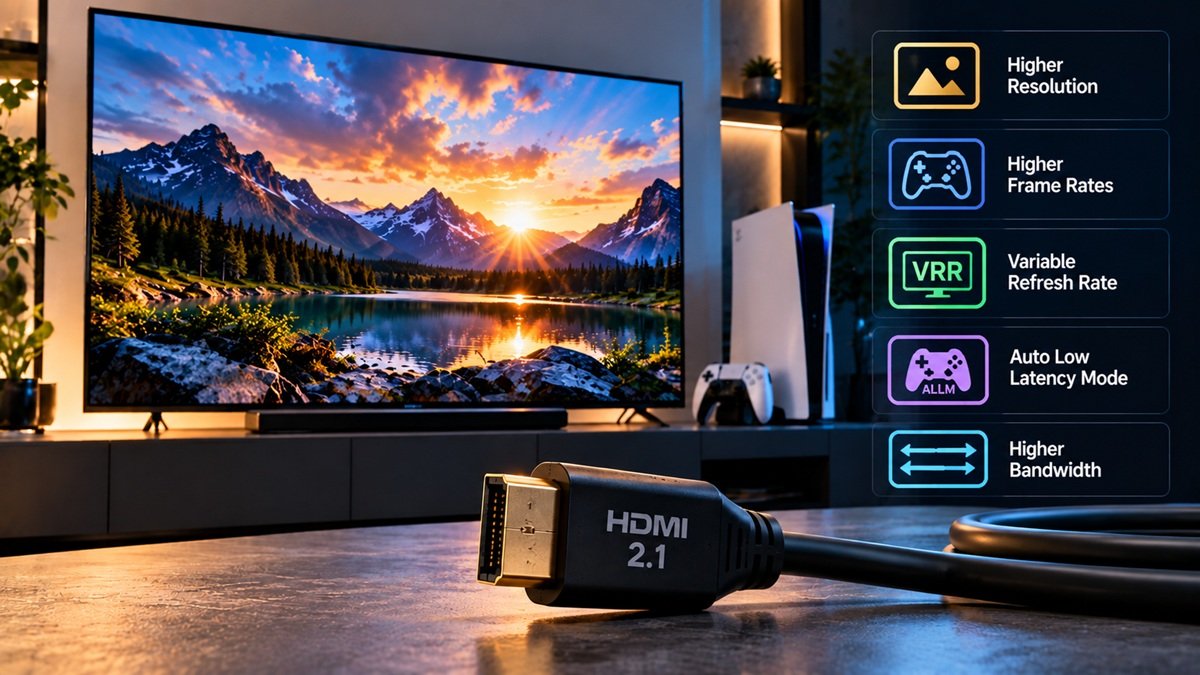
What Is HDMI 2.1? Features, Cables and Bandwidth
Last updated: October 2026
🕒 6 min read
Disclosure: This article does not contain affiliate or sponsored links. SignalVetted may still reference specific products or brands for informational purposes only.
A TV input labeled “HDMI 2.1” sounds like a clear promise, but the label alone doesn’t settle which features that TV supports. So what is HDMI 2.1? According to RTINGS, it’s a significant upgrade to the HDMI standard that raises the maximum bandwidth and adds a list of new features, and a TV doesn’t have to support all of them.
This page walks through what RTINGS says HDMI 2.1 adds, what its cable labels mean, and how to check what a particular TV supports. It follows RTINGS’ HDMI 2.1 overview, which shows “Updated Sep 18, 2025”.
Table of Contents
What Is HDMI 2.1? The Short Answer
According to RTINGS’ HDMI 2.1 overview, HDMI 2.1 is arguably one of the most significant upgrades to the HDMI standard. It was announced in November 2017 and raises the maximum bandwidth up to 48 gigabits per second (Gbps), and higher when compression is used.
For comparison, the page puts the maximum bandwidth of an HDMI 2.0 cable at 18 Gbps. For HDMI 2.1 it lists up to 48 Gbps uncompressed and at least 128 Gbps compressed.
That 48 Gbps is the most a cable can handle, not a requirement for every device. The page’s example: a TV maker that only wants to support 4K at 120Hz with 4:2:0 chroma subsampling needs to support about 32 Gbps, and the TV can still be considered an HDMI 2.1 device.
The same applies to features. RTINGS says an HDMI 2.1 TV doesn’t need to support all of them, and the page says it’s important to verify each display’s capabilities for the planned usage.
What HDMI 2.1 Adds
More Bandwidth and Faster Refresh Rates
On a 4K TV, RTINGS says the main advantage of HDMI 2.1 is support for 4K at 120Hz. The page says the PS5 and Xbox Series X can send 4K at up to 120 frames per second, while the PS4 and Xbox One X topped out at 60 fps in 4K games.
The page also says you need both a source and a TV that support HDMI 2.1 to get a device’s full capability. Some features can improve the experience with regular content, it adds, but the higher bandwidth and new features are especially useful for gaming or for higher-resolution displays with faster refresh rates.
Gaming Features: VRR, ALLM, QMS and QFT
HDMI Forum VRR is the HDMI group’s own version of the VESA Adaptive Sync protocol, and RTINGS notes that not all HDMI 2.1 TVs support it. For how variable refresh rate works, see our explainer on what VRR is.
Auto Low Latency Mode (ALLM) lets a supported TV switch to its low-latency Game mode on its own when it detects a game launched from a compatible device, so you don’t have to turn Game mode on by hand. The page adds that ALLM can also be found on HDMI 2.0 TVs.
Quick Media Switching (QMS) targets the black screen that, the page says, used to appear for a few seconds when a source changes the format of its signal, such as its refresh rate or resolution. With a compatible source and display, RTINGS says the TV switches between modes without that black screen.
Quick Frame Transport (QFT) sends frames from the source to the display at a much higher rate to reduce latency. RTINGS says it won’t eliminate input lag, but it should reduce the part of the lag caused by transfer time between the source and the display.
Audio, HDR and Cable Features: eARC, Dynamic HDR, Cable Power and DSC
The page lists Enhanced Audio Return Channel (eARC) among the HDMI 2.1 features and says it vastly increases the bandwidth available to the audio return channel compared with ARC. For the details, see our explainer on what HDMI eARC is.
The page describes Dynamic HDR as similar to other dynamic HDR formats, such as Dolby Vision and HDR10+: according to RTINGS, it lets content set the dynamic range on a per-scene basis, or even frame by frame.
HDMI Cable Power lets a cable receive the extra power it may need to work properly. RTINGS says that power is only required with longer cables and is likely more relevant to business or commercial setups. RTINGS says that when this feature is used, the cable has one correct direction, marked on it, and if it’s connected the other way around the feature won’t work.
Display Stream Compression (DSC) 1.2 is a compression method. RTINGS says it raises the maximum color depth to 16-bit and allows native 4:2:0 and 4:2:2 encoding without converting to RGB first, and that it’s only needed for very high-resolution, high-refresh devices.
HDMI 2.1 Cables: What the Labels Mean
RTINGS says cables aren’t tied to a specific version, and that “[t]here’s no such thing as an HDMI 2.0 cable or an HDMI 2.1 cable.” Instead, cables go through a certification process for a maximum bandwidth.
HDMI 2.0 generally calls for up to 18 Gbps, and cables certified for that are labeled “Premium”. Cables certified for 48 Gbps, the HDMI 2.1 maximum, are labeled “Ultra High Speed”.
For the cable question in a soundbar setup, see our guide to connecting a soundbar to a TV.
How to Tell What a TV Supports
If You’re Reading the Back of a TV
RTINGS says it should be easy to find out whether a TV has HDMI 2.1 inputs by checking what’s printed above its HDMI ports. Some inputs don’t say “HDMI 2.1”, so the page points to the maximum refresh rate the TV may show at 4K: an HDMI 2.0 input shows “4k @ 60Hz”, while an HDMI 2.1 input shows “4k @ 120Hz” and may also carry an eARC label. If the labels don’t say, the page suggests checking the TV’s specifications, and it notes limits to this (see the label section below).
If a Spec Sheet Lists Individual Features
The page says some HDMI 2.1 features, including VRR, ALLM and eARC, can be implemented on HDMI 2.0 devices. Those devices aren’t HDMI 2.1 devices, RTINGS says; they only support some of its features.
If You’re Wondering Whether an Older TV Can Be Upgraded
RTINGS says HDMI 2.1’s higher bandwidth needs more advanced processors in the display, so an existing HDMI 2.0 display is unlikely to gain higher resolutions or refresh rates. Features such as eARC and ALLM, which need very little extra bandwidth, are possible to implement on existing devices, according to the page, though it says this takes fairly significant firmware changes.
Why an “HDMI 2.1” Label Doesn’t Guarantee Every Feature
RTINGS, citing TFT Central, says a change by the HDMI licensing board lets manufacturers claim that a device meets the HDMI 2.1 specification without supporting anything new.
RTINGS sets its own bar in its reviews, and it’s RTINGS’s criterion, not an industry rule. It calls a device “HDMI 2.1 Class” only if it supports bandwidth beyond HDMI 2.0’s 18 Gbps limit. A TV that only offers features such as eARC or VRR, which don’t need extra bandwidth, counts as HDMI 2.0 in its reviews.
What Comes After HDMI 2.1: HDMI 2.2
RTINGS says the HDMI Forum unveiled HDMI 2.2 on January 6, 2025. It raises the maximum bandwidth to 96 Gbps and adds a Latency Indication Protocol (LIP), which the page says should improve audio and video synchronization.
The page, updated Sep 18, 2025, adds that none of the new TVs announced for 2025 support it, and that certified cables can be identified by “Ultra96” branding.
Frequently Asked Questions
What is HDMI 2.1?
It’s an upgrade to the HDMI standard, announced in November 2017, that raises the maximum bandwidth to 48 Gbps and adds features such as VRR, ALLM, QMS, QFT and eARC, according to RTINGS. An HDMI 2.1 TV doesn’t have to support every one of them.
Does an HDMI 2.1 TV support every HDMI 2.1 feature?
Not necessarily. RTINGS says an HDMI 2.1 TV doesn’t need to support all of the features, and a maker can support less than the full 48 Gbps. The page’s advice is to verify each display’s capabilities for your planned use.
Is there such a thing as an HDMI 2.1 cable?
According to RTINGS, no. Cables aren’t tied to a version; they’re certified for a maximum bandwidth, and the label for 48 Gbps is “Ultra High Speed”.

Nridi
Editor, SignalVetted
This article does not report independent product testing.
✅ Based on RTINGS’ HDMI 2.1 overview (page shows “Updated Sep 18, 2025”).