
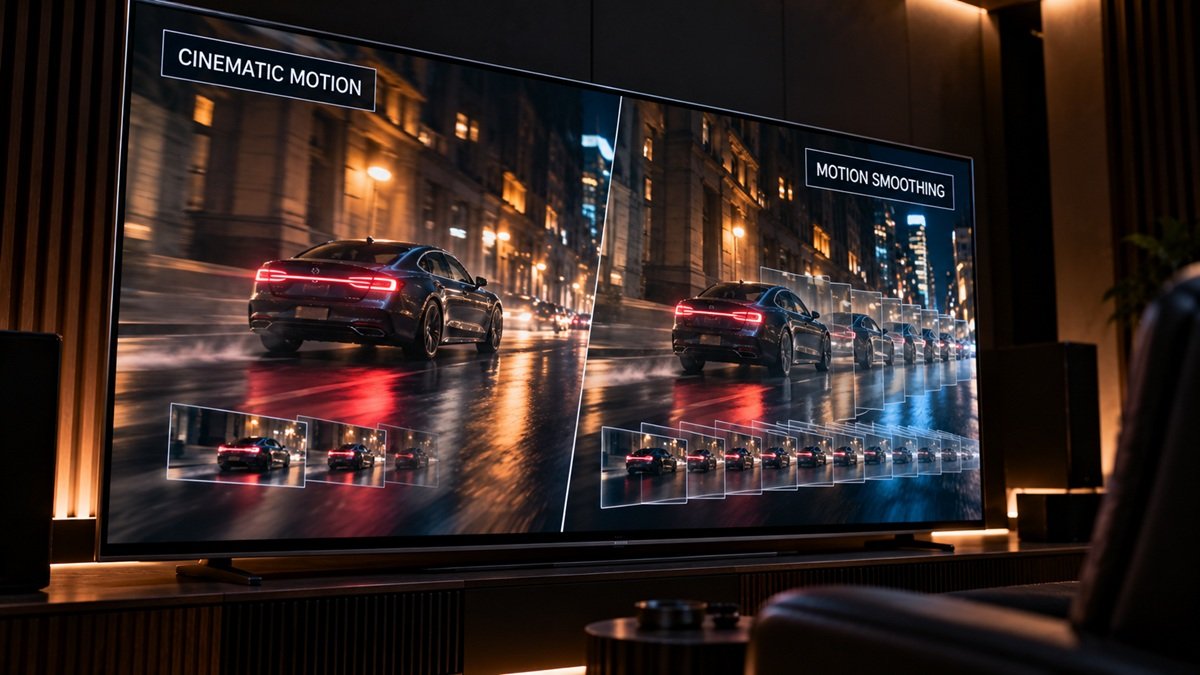
What Is Motion Smoothing? (And Why Movies Look Weird With It On)
Last updated: September 2026
🕒 3 min read
Disclosure: This article does not contain affiliate or sponsored links. SignalVetted may still reference specific products or brands for informational purposes only.
If a movie you’re watching suddenly looks like it was shot on a soap-opera set instead of on film, motion smoothing is almost always the reason. Here’s what the feature actually does, and how to turn it off.
Table of Contents
What Is Motion Smoothing? The Short Answer
According to RTINGS, “motion interpolation is an optional feature that TVs use to increase the frame rate of content by adding intermediate frames between each actual frame sent by the source.” In plain terms: the TV invents extra frames that weren’t in the original video, in an attempt to make motion look smoother.
How It Works on Samsung TVs (Auto Motion Plus)
Samsung brands this feature Auto Motion Plus (also called Picture Clarity on some models), and, per Samsung’s own support page, it actually combines three separate sub-mechanisms: blur reduction, judder reduction (smoothing out mismatches between the content’s frame rate and the TV’s refresh rate), and LED Clear Motion, which sharpens motion by adjusting the backlight.
Refresh rate is a separate spec from motion smoothing. For what it means, see our guide to what a good refresh rate is for a TV.
To turn it off on a Samsung TV, Samsung’s instructions point to Settings > Picture > Expert Settings > Auto Motion Plus Settings (or Picture Clarity Settings, depending on the model), then switching it from Auto to Off or Custom.
Why It Causes the “Soap Opera Effect”
Samsung’s own explanation: Auto Motion Plus works well for live TV, which is typically shot at 30 frames per second. Most movies, though, are shot at 24 frames per second, and, in Samsung’s words, “weren’t designed for this processing” — which is exactly what produces that flat, hyper-smooth, live-broadcast look on film content. Samsung calls this “the dreaded soap opera effect.”
For movie-specific picture settings on an OLED TV, see our guide to OLED TV settings for movies.
What Other Brands Call It
Motion smoothing goes by different names depending on the manufacturer. LG calls its version TruMotion, and Sony calls its version MotionFlow. We haven’t sourced the technical details or exact menu paths for either of those specifically — if you’re on an LG or Sony TV, check your own settings menu under Picture or Picture Mode settings for the equivalent option.
Frequently Asked Questions
Should I turn motion smoothing off for movies?
That’s a matter of taste, but based on what Samsung itself says about the mismatch between live TV and film frame rates, it’s worth trying it off (or on Custom) the next time a movie looks unnaturally smooth to you — this is our own read on the trade-off, not a rule from Samsung or RTINGS.

Nridi
Editor, SignalVetted
This article does not report independent product testing.
✅ Based on RTINGS’ motion-testing page and Samsung’s own support documentation.