
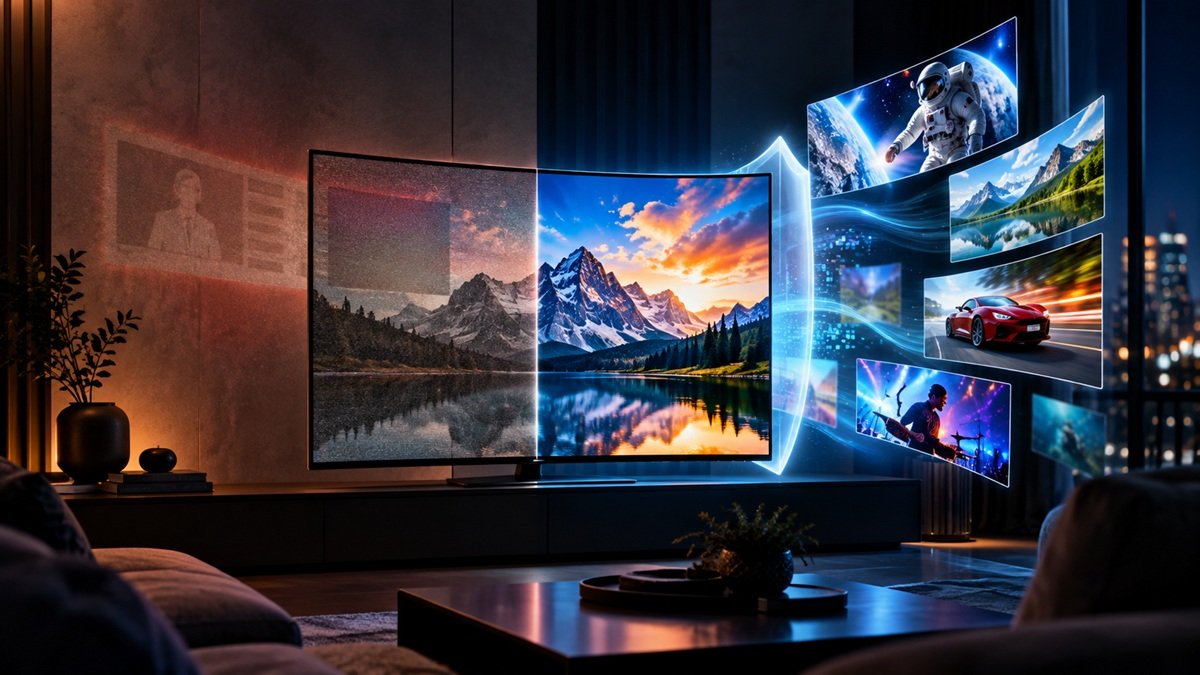
How to Prevent OLED Burn-In: What Actually Works
Last updated: September 2026
🕒 8 min read
Disclosure: This article does not contain affiliate or sponsored links. SignalVetted may still reference specific products or brands for informational purposes only.
Burn-in is real, but it’s also far more preventable than its reputation suggests. If you’re researching how to prevent OLED burn-in because the risk has been mentioned somewhere in your research and you want practical guidance rather than either false reassurance or exaggerated alarm, that’s exactly what this article covers — what actually causes it, and what meaningfully reduces the real-world risk. For the fuller picture of where that risk fits into the overall OLED buying decision, our full OLED TV guide covers the current lineup separately from this prevention-focused explainer.
Table of Contents
How to Prevent OLED Burn-In: The Short Answer
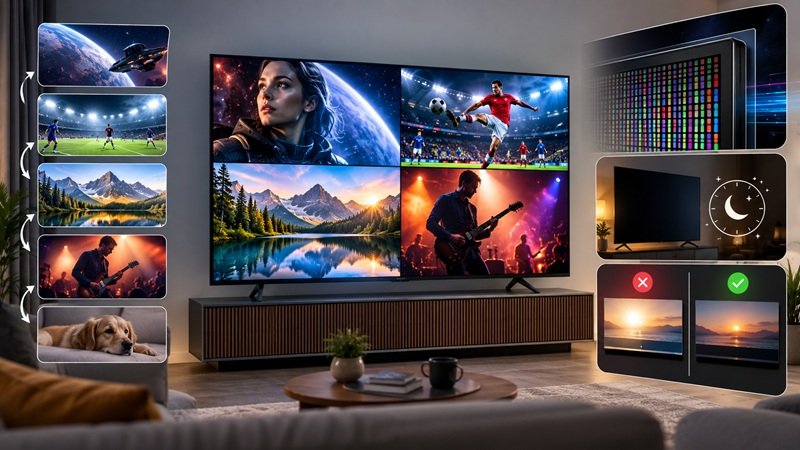
Three things do most of the practical work: don’t let the same bright, unmoving image sit on-screen for hours on end, day after day; keep automatic brightness limiting and any built-in pixel-shifting or logo-dimming behavior turned on rather than disabled; and treat truly static-heavy use cases — a permanently-on desktop monitor, a 24-hour news ticker, a fixed scoreboard overlay — as the situations that actually warrant extra caution, not ordinary mixed viewing. None of this eliminates the underlying risk entirely, and it shouldn’t be read as a guarantee — but it addresses the specific conditions that actually drive burn-in, rather than offering generic, disconnected tips.
How to Prevent OLED Burn-In by Understanding the Cause
Why burn-in happens at all
Burn-in traces directly back to the same self-emissive mechanism that gives OLED its picture-quality advantages. The wear happens at the pixel level, not across the whole panel: since every OLED pixel lights itself rather than sharing a backlight, a pixel that’s asked to display the same bright, static content over and over, for extended stretches, gradually degrades faster than the pixels around it — and that uneven wear is what eventually shows up as a faint, permanent ghost of the original content, a pattern documented in RTINGS’ own accelerated longevity and burn-in testing across 100 TVs.
Our explainer on what OLED TV technology actually is covers that underlying self-emissive mechanism in more depth than this article’s prevention-focused scope allows, but the short version is enough to understand why the mitigations below actually work: they all target sustained, identical per-pixel wear specifically, not general screen use.
Why the common mitigations actually work
Once the cause is clear, the mitigations stop looking like arbitrary tips and start looking like direct countermeasures. A feature that shifts the displayed image by a few pixels at intervals prevents any single pixel from carrying the full, sustained load of a static element — the wear gets spread across a small cluster of pixels instead of concentrated on one. Automatically dimming a persistently bright, static element (a channel logo, a static HUD indicator) reduces exactly the high-brightness, high-duration combination that drives wear in the first place.
And automatic brightness limiting more broadly reduces sustained peak brightness across the panel, which lowers wear risk generally, not just for static elements specifically. Each of these addresses the actual mechanism described above — none of them are unrelated tips bundled together because they sound protective.
Scenario-Based Guidance
If your actual viewing pattern is ordinary mixed content — movies, shows, sports, streaming that changes scene to scene — the sustained static-image conditions that meaningfully raise burn-in risk mostly don’t come up in the first place, and the mitigations above are a sensible baseline rather than a response to an active, elevated risk.
If your household falls into the truly static-heavy camp — a desktop and taskbar pinned to the screen most of the day, a news channel’s logo-and-ticker bar left running for hours, or long competitive-gaming sessions with a HUD parked in the same spot — the risk climbs well above the typical living-room case, and it’s worth being deliberate about the mitigations above rather than assuming they’re handling it automatically in the background.
A separate but related question is how long an OLED panel’s picture quality holds up overall, which isn’t the same question as burn-in risk specifically — burn-in is one identifiable risk pattern, not a stand-in for a panel’s total lifespan. Our guide to how long OLED TVs actually last covers that broader longevity question in the depth this article’s burn-in-specific scope doesn’t allow.
Common Misconceptions or Mistakes
Of the claims people repeat about burn-in, this is the one that most overstates the risk: that any static image will burn in a modern OLED panel almost instantly — pausing a movie for a few minutes, or leaving a menu on-screen briefly. That’s an overcorrection from a real but much narrower fact. The wear pattern behind burn-in requires sustained, repeated exposure at high brightness over a long period, not a brief pause. A single evening of occasional pauses isn’t the same risk category as a taskbar left on-screen for eight hours a day, every day, for months.
Treating every static image as equally dangerous leads to either unnecessary anxiety about ordinary use or, just as often, to people dismissing the real risk entirely once they notice the doomsday version doesn’t match their own experience. The honest middle ground — real, non-zero risk, concentrated in specific sustained-static-content patterns — is the one this article has tried to hold throughout, and it’s the same framing our investigation into whether OLED is worth it in 2026 uses when weighing burn-in against OLED’s picture-quality advantages directly.
A second misconception worth correcting: that burn-in risk is identical across every OLED TV regardless of brand or generation. Mitigation features and their effectiveness have been refined across generations and vary somewhat by manufacturer, so a general “OLED can burn in” statement is accurate as far as it goes, but it doesn’t tell you anything about how well a specific model actually manages that risk in practice.
A third, subtler misconception is assuming that once a warranty or support page mentions burn-in mitigation, the risk has effectively been engineered away and no viewing-habit choices matter anymore. Built-in mitigation features reduce risk, but they work alongside viewing habits, not as a full substitute for them — a household that ignores every mitigation setting and runs a static desktop at maximum brightness around the clock is still taking on meaningfully more risk than the mitigations alone can offset. The honest picture is additive: sensible habits plus the built-in mitigations together, not either one carrying the whole burden by itself.
Frequently Asked Questions
How to prevent OLED burn-in in daily use, simply?
Keep your TV’s built-in pixel-shifting, logo-dimming, and automatic brightness limiting features enabled, and don’t let the same bright, unchanging image stay parked on-screen for hours at a stretch. Ordinary mixed viewing rarely creates the conditions that meaningfully raise the risk.
Is OLED burn-in still a problem in 2026?
The real, non-zero risk hasn’t disappeared, and no mitigation habit claims to erase it completely — a conclusion RTINGS’ own testing supports. What changes is where that risk actually lives: it stays tied to sustained, unchanging content rather than to normal day-to-day viewing, which makes it a narrower and more manageable concern than the blanket “OLED burns in” warning implies.
Does using an OLED TV as a computer monitor cause burn-in?
It raises the risk meaningfully compared to typical TV viewing, because a computer desktop typically includes static elements — a taskbar, icons, a persistent window — displayed for long, repeated stretches at consistent brightness, which is exactly the pattern that drives wear.

Nridi
Editor, SignalVetted
This article does not report independent product testing.
✅ Based on general OLED technology characteristics.