Google TV Without Internet: What Basic TV Allows
Last updated: October 2026
🕒 3 min read
Disclosure: This article does not contain affiliate or sponsored links. SignalVetted may still reference specific products or brands for informational purposes only.
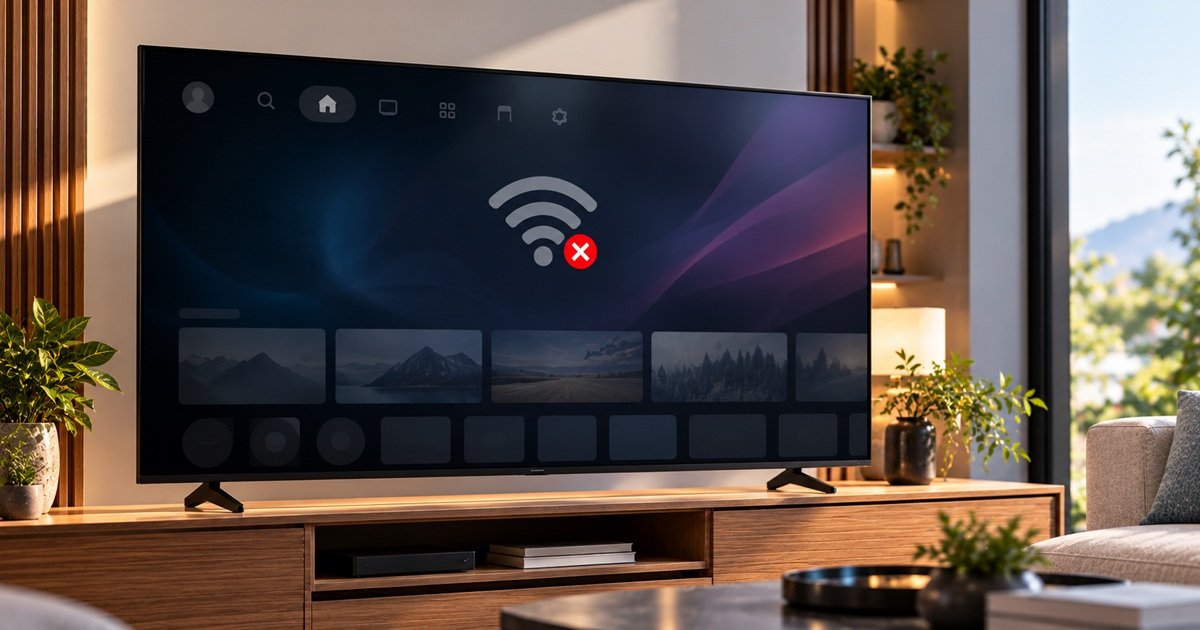
Can you use Google TV without internet? Google TV Help says a device set up with basic TV can be used without an internet connection. The help text doesn’t say whether a Google TV device set up without choosing basic TV can.
This article is based on a copy of Google’s help text taken on 30 October 2026, not on the live page, and we haven’t tested anything.
Table of Contents
Google TV Without Internet: The Short Answer
Per Google, choosing basic TV at setup lets you use a Google TV device without a Google Account and without an internet connection, though the device won’t get important security updates without a connection.
You can only use basic TV on TVs that come with Google TV built in.
For background, see our guide on what Google TV is.
See also our guide on what a smart TV is.
Basic TV: A Choice Made at Setup
You choose basic TV during setup. Google also lists finishing setup faster as something you can do with basic TV.
What Basic TV Includes and Leaves Out
In basic TV you can do three things: watch TV through the TV app (cable, satellite, TV tuner or antenna), play media from other inputs plugged into the TV, and use a limited set of pre-installed apps.
You can’t do five things in basic TV: use services and features that need a Google Account sign-in, access your Play Library, install apps, use the Assistant to search for content, or cast content from another device. Google also says some features aren’t available in basic TV.
Google TV Without Internet: What Happens Offline in Basic TV
Google’s note on offline use: without an internet connection, your device won’t get important security updates. Nothing more is said about offline use.
Switching From Basic TV to Google TV
To switch from basic TV to Google TV, follow these steps:
- Step 1: From the home screen, scroll to the Google TV banner.
- Step 2: Select Set up Google TV.
- Step 3: Follow the on-screen instructions to set up with the Home app or your remote.
Switching the Other Way: Basic TV After Setup
The tip: if you already set up Google TV, you can’t switch to basic TV. To start setup again, you can factory reset your device. The help text doesn’t say what a factory reset involves, so check Google’s own instructions before you do it.
What Google’s Text Doesn’t Cover
It names no TV brands, models or years, doesn’t name the pre-installed apps and shows no page date.
Frequently Asked Questions
What can you do with Google TV without internet?
Basic TV is the setup choice Google ties to offline use. The help text doesn’t say how each basic TV activity behaves offline.
What happens to updates in basic TV with no connection?
Without a connection, a device won’t get important security updates; other updates aren’t covered.
Can I switch to basic TV after setting up Google TV?
No. The tip says you can’t switch to basic TV once you’ve already set up Google TV. It mentions a factory reset to start setup again, but says nothing about what setup offers afterwards.

Nridi
Editor, SignalVetted
This article does not report independent product testing.
✅ Based on the sources named on this page.