
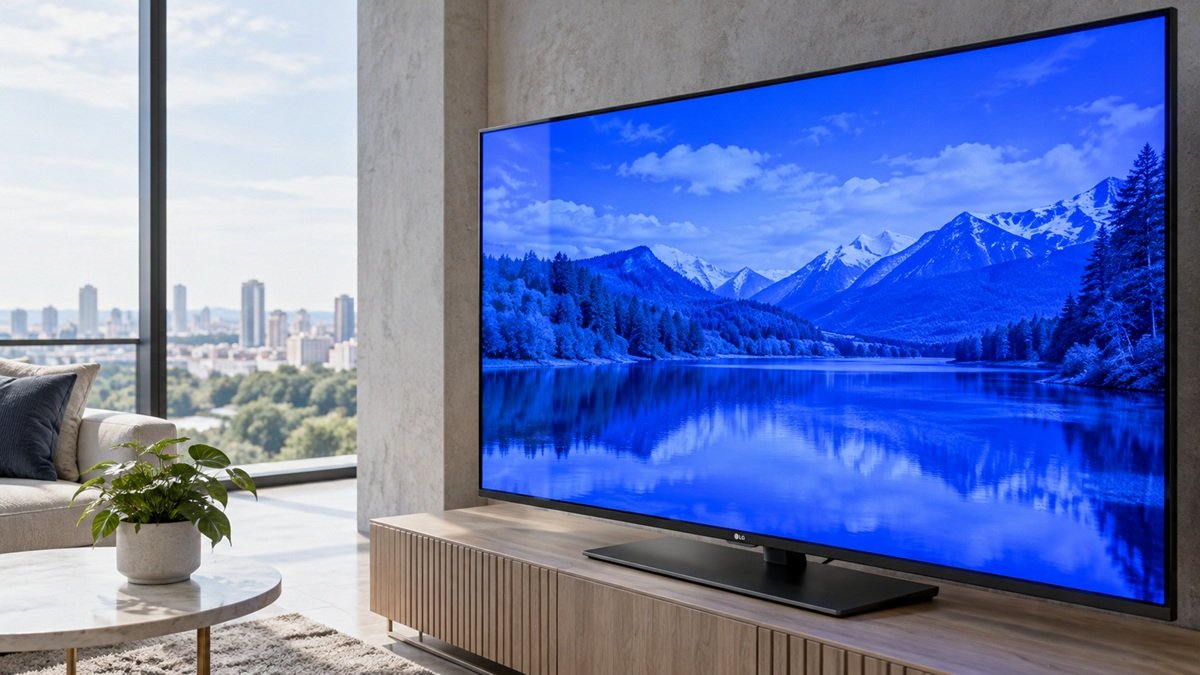
Why Is My LG TV Screen Blue? What LG Says to Check
Last updated: October 2026
🕒 2 min read
Disclosure: This article does not contain affiliate or sponsored links. SignalVetted may still reference specific products or brands for informational purposes only.
Why is my LG TV screen blue? LG’s US support page lists what to check. This article follows only that page, “[LG TV] Troubleshooting Abnormal Picture Color: Screen Displayed in Blue or Red”. We haven’t tested any TV.
Table of Contents
Why Is My LG TV Screen Blue? What LG Says First
If a TV only displays one color, such as red or blue, LG says the HDMI cable connection may need to be inspected. On certain channels or screens, LG says it’s likely a broadcast signal issue rather than the TV. If all screens look abnormal, LG says to run a Picture Test.
Why Is My LG TV Screen Blue? Causes LG Lists
LG lists four possible causes: an unstable signal from the set-top box or a connected device, a loose or damaged HDMI cable, an unstable antenna signal, or a malfunction in the TV itself.
Step 1: Run Screen Self-Diagnosis (Picture Test)
On TVs from 2024 onward (webOS24~), press Settings, then All settings → Support → Screen Self-Diagnosis. LG lists other paths for other model years. If the test image looks abnormal, LG says to note the TV model and contact LG Support.
Step 2: Check the HDMI Connection
If the test shows no issue, LG says the problem is likely not the TV itself. Turn off the TV and set-top box, then disconnect the HDMI cable from the back of the TV and reconnect it. LG recommends a genuine cable.
Quick Help HDMI Inspection
On models released after 2019, LG’s HDMI inspection checks the cable connection. On TVs from 2023 onward (webOS 23~), go to Settings → All Settings → Support → Quick Help → Self-diagnosis and Care → RF / HDMI. If it detects an issue, LG says to replace the cable with a genuine one; if not, to inspect the set-top box or other device.
What LG’s Page Doesn’t Say
LG’s page shows a date of 11/05/2025. It doesn’t give picture-setting fixes. If your LG TV flickers instead, see why an LG TV screen flickers.
Frequently Asked Questions
What if my TV has no self-diagnosis function?
LG says to run a Picture Test instead or contact LG Customer Support.
What if the Picture Test image looks blue?
LG says the TV may have an issue, and to contact LG Support.
What if the problem remains?
LG says to contact LG Support for a detailed consultation.

Nridi
Editor, SignalVetted
This article does not report independent product testing.
✅ Based on the sources named on this page.